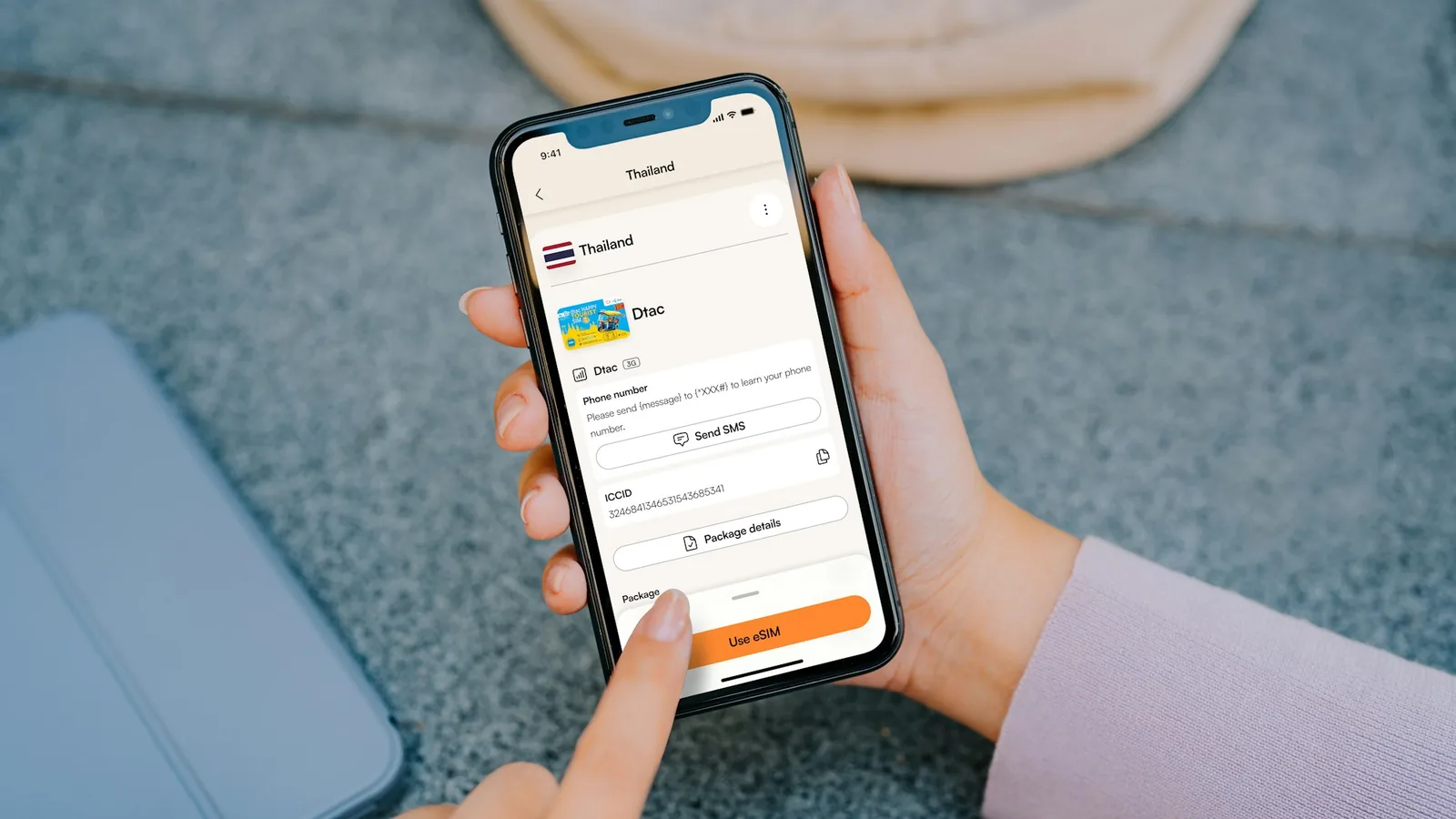
A potential customer has just landed at an airport.
Or their car has broken down.
Or they're sitting in a hotel room planning tomorrow's trip.
They take out their phone and search for a rental car.
Your business appears.
They tap your website.
Then they have to zoom in to read the text.
The vehicle list is difficult to navigate. The booking form doesn't fit properly on the screen. Buttons are tiny. Finding prices requires opening several pages.
Within seconds, they're back on Google looking at another rental company.
You had the vehicle.
You had the customer.
But your website made the booking harder than it needed to be.
For a small car rental company, a poor mobile experience can quietly turn potential customers into someone else's bookings.
Your Customers Aren't Always Searching From a Computer
Think about when people need rental cars.
Many are already traveling.
They're at airports, hotels, train stations, restaurants, or sitting in the passenger seat while someone else drives.
Others suddenly need transportation because their own vehicle isn't available.
In these situations, the first device they reach for is often their phone.
That means your car rental website isn't simply a website that should also work on mobile.
For many customers, the mobile version is your website.
If the experience is frustrating, they may never see how good your vehicles, prices, or service actually are.
A Mobile Visitor Has Very Little Patience
Someone browsing on a desktop computer might tolerate a slightly awkward website.
A mobile customer often won't.
They're using a smaller screen, possibly a slower connection, and may already be dealing with the stress of arranging transportation.
They want answers quickly:
Do you have a car?
Is it available for my dates?
How much does it cost?
Where can I pick it up?
Can I book it now?
Every unnecessary step makes those answers harder to find.
And every additional obstacle gives the customer another reason to leave.
Common Mobile Problems on Small Car Rental Websites
Many small rental businesses have websites that technically open on a smartphone but weren't really designed around mobile customers.
Common problems include:
- text that's too small
- buttons that are difficult to tap
- oversized images
- slow-loading vehicle pages
- complicated navigation
- booking forms that don't fit the screen
- too many fields to complete
- unclear pricing
- difficult date selection
- vehicle information spread across multiple pages
Individually, these problems may seem minor.
Together, they create friction.
And booking friction matters when a competitor is only one search result away.
Your Fleet Needs to Be Easy to Browse
Customers shouldn't have to fight with your website just to see what vehicles you offer.
On mobile, vehicle information needs to be especially clear.
A customer should be able to quickly understand the important details about each rental option and decide whether it meets their needs.
Good vehicle pages can help customers compare options without repeatedly zooming, scrolling sideways, or opening multiple pages.
Photos matter too.
Customers want to see what they're renting, but huge image files can also make mobile pages unnecessarily slow.
The goal is to provide useful visual information without making the customer wait for it.
The Booking Form Is Where Mobile Problems Become Expensive
A customer browsing your website is valuable.
A customer who starts the booking process is even more valuable.
They've already shown serious intent.
This is exactly where you don't want your website to become difficult.
Imagine entering rental dates, customer information, pickup details, and payment information into a form that wasn't designed properly for a smartphone.
A customer may abandon the process even though they wanted the car.
This is why the mobile booking experience deserves as much attention as the homepage.
The easier it is to move from vehicle selection to reservation, the fewer unnecessary reasons customers have to give up.
Mobile Speed Matters Too
Design isn't the only issue.
Speed matters.
A beautiful website that takes too long to load can still lose customers.
Large images, unnecessary scripts, poorly optimized pages, and complicated website structures can make the experience feel slow — especially on mobile connections.
Customers usually don't care why a website is slow.
They simply experience the delay.
And if another rental website gives them the information they need faster, that's where they may book.
Don't Make Customers Call Because Your Website Is Difficult
Some rental companies treat phone calls as the solution to website limitations.
"Call us to check availability."
"Call for prices."
"Call to make a reservation."
Offering phone support is valuable.
Forcing customers to call is different.
A customer searching at 11 PM may not want to call.
An international traveler may prefer booking online.
Someone comparing several rental companies may simply choose the one that lets them complete the process immediately.
Your phone number should be an additional way to contact you — not a workaround for a website that can't handle the booking.
A Better Mobile Experience Can Help You Win Direct Bookings
Direct bookings are particularly valuable for independent rental companies.
Instead of depending entirely on marketplaces or intermediaries, customers can discover your business and book through your own website.
But getting visitors to your website is only the first part.
You also need to convert them.
Suppose you're paying for Google Ads, investing in SEO, posting on social media, or building local partnerships to generate traffic.
If those visitors arrive on a frustrating mobile website, part of that marketing effort is wasted.
Improving the booking experience helps you get more value from the traffic you're already generating.
What Should a Mobile Car Rental Website Make Easy?
A potential customer should be able to move through the essential steps without confusion.
They should be able to:
- Enter their rental dates.
- Browse suitable vehicles.
- Understand pricing.
- Review important rental information.
- Select relevant options.
- Enter their booking details.
- Submit or complete the reservation.
And they should be able to do all of that comfortably from a smartphone.
The objective isn't to add more features.
It's to remove unnecessary obstacles.
How Webkio Can Help Small Car Rental Companies
Webkio can help small car rental businesses create a professional online presence with a structured car rental booking experience.
Instead of building a basic website that only displays your fleet and contact information, you can create a website designed to help customers move toward an actual reservation.
That means your website can become part of how your rental business operates — helping customers browse vehicles and start the booking process online, including from mobile devices.
For a small business without a large development team, this can make it easier to provide the type of online experience customers increasingly expect.
Test Your Website Like a Customer
There's a simple test every car rental business owner can perform.
Take out your phone.
Don't look at your website as the owner.
Look at it as someone who has never heard of your company and needs a car today.
Try to find a vehicle.
Check the price.
Choose your dates.
Start a booking.
Then ask yourself:
Was anything unnecessarily difficult?
Every point of confusion is a potential place where a customer could leave.
Your fleet may be small.
Your team may be small.
Your marketing budget may be small.
But your booking experience doesn't have to feel small.
Making it easy for customers to rent from you — especially from their phones — can help your independent car rental business compete for more direct bookings.
Checking the phone experience
The full list of reasons visitors abandon a rental site is in why customers leave car rental websites, and the conversion steps that follow a good mobile experience in turning website visitors into car rental bookings. A site produced by the car rental website builder is responsive by default, booking form included.
FAQ
What share of car rental research happens on a phone?
Enough that the phone is the primary case rather than the secondary one, particularly for travelers already on the move. Treating mobile as an adaptation of the desktop layout gets the priority backwards.
Which mobile problem costs the most bookings?
A date picker or booking form that is awkward under a thumb. Visitors will scroll past a lot of imperfect layout, but a form they cannot complete ends the session.
How can a rental owner test their own mobile site fairly?
On mobile data rather than office wi-fi, starting from a search result, without being logged in. Most owners test the version of their site that loads fastest and looks most familiar, which is not the version customers meet.
Do large photographs slow a rental site down too much?
Unresized photographs do. Vehicle images taken straight from a phone camera are frequently several megabytes each, and a fleet page carrying twenty of them is unusable on a mobile connection.
Is a separate mobile site worth building?
No. One responsive site that adapts is easier to keep correct than two versions that drift apart, and the drift always shows up in the booking form first.