
Appointment booking system

Booking & appointment website builder

Real availability, services, staff, deposits and automatic reminders - built in.

See a live booking site

  • 14-day free trial - card required
  • Free forever to build the site itself
  • Cancel anytime
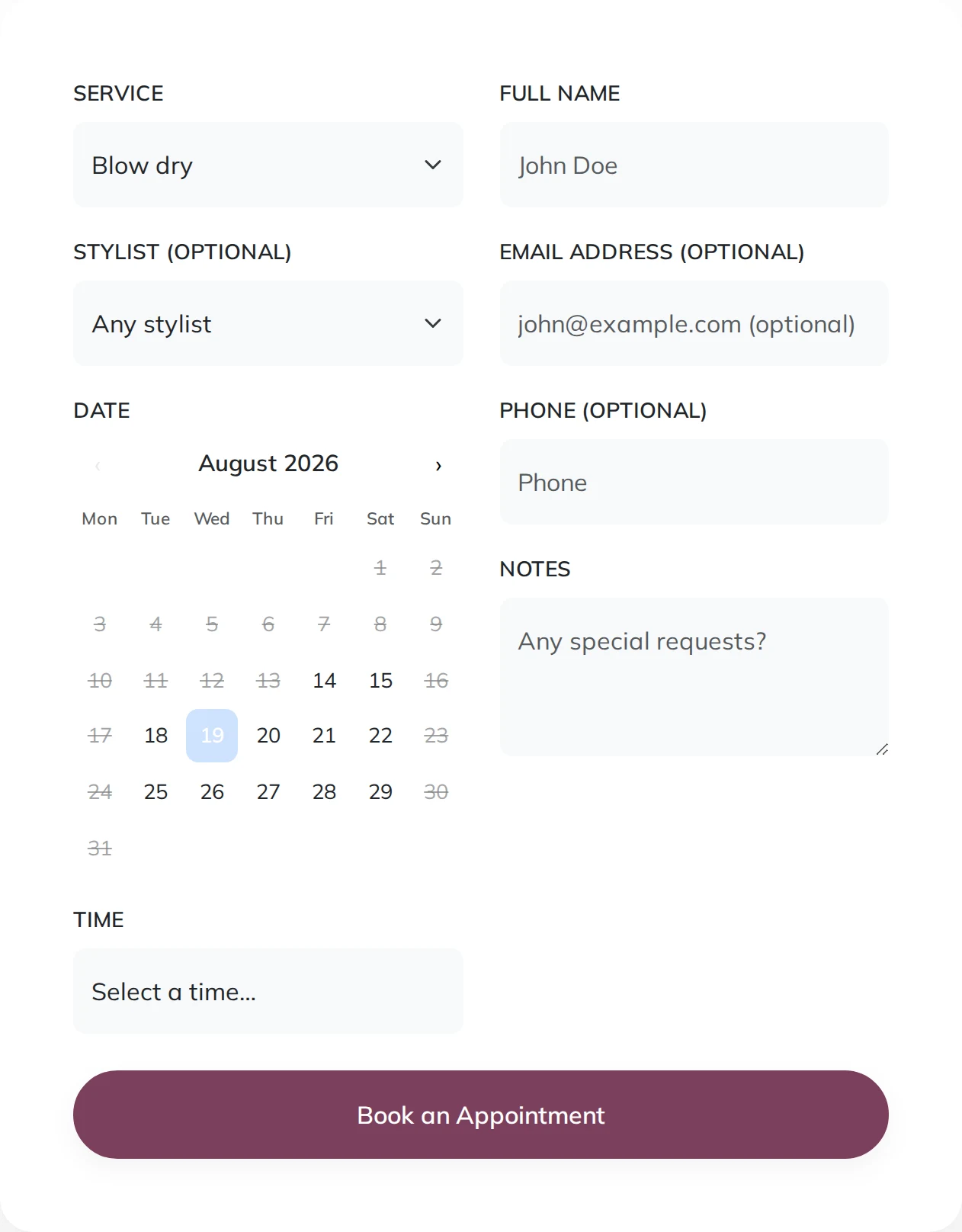
A booking form showing a service, a stylist, a calendar with the fully-booked days struck through, and a Book an Appointment button

Take appointments straight from your website. Set your services, staff and working hours, collect deposits at booking, and let customers self-serve reschedules - with automatic confirmation and reminder emails that cut no-shows.

Building your site, pages and blog are free forever. Booking & appointment website builder is not - it needs Starter ($14.99/mo). The 14-day free trial covers it, and starting the trial needs a card. That tier covers 50 appointments a month and carries a 2% platform fee per online payment (1% from Growth Business up); a full diary is on Growth Business.

Before you start the trial

  • Nothing is charged today. Cancel any time before day 15 and you are not charged at all - the account moves to the Free plan and your site and its data stay.
  • Taking payment runs through your own Stripe account. Connecting it is a separate identity check with Stripe that can take a few days, so start it on day one if you want to take a real payment inside the trial.
  • The trial runs on Starter only. Moving up a plan part-way through ends the trial and starts the paid subscription, so if you already know you need the bigger tier, start there instead.
  • One trial per account.

What it replaces

  • A booking tool you rent monthly
  • A separate website
  • A payment setup
  • A reminder service
  • A paper appointment book
  • Phone calls to find a time that suits
  • Deposits chased after the event
  • A client list you cannot email

Real availability

Slots reflect your services, staff and working hours - no double-bookings.

Services & staff

Configure services, durations, prices and multiple staff members with their own schedules.

Deposits at booking

Collect a deposit or full payment via Stripe when the appointment is booked.

Reminders that cut no-shows

Automatic confirmation and reminder emails, plus customer self-service reschedule and cancel.

Time off & buffers

Block holidays and set buffers so your calendar stays realistic.

Mobile-friendly booking

Customers book in a few taps on any device.

Fixed slots or request a time

Offer real times from your calendar, or let customers ask for a time you confirm - for the trades whose availability is not a clean grid.

Your trade's words

An appointment, a session or a visit; a treatment, a class or a job; a stylist, a therapist or an engineer. Set what each is called and the whole site follows.

How it works

Live in an afternoon - no code, no plugins.

1

Set up your services

What you offer, how long each takes and what it costs - and who does what, if more than one of you works.

2

Set your hours and rules

Working hours, days off, how much notice you need and how far ahead the diary opens. Buffers between appointments if you need them.

3

Connect Stripe and publish

Customers book real times, pay a deposit if you take one, and get confirmations and reminders without you sending them.

Templates to start from

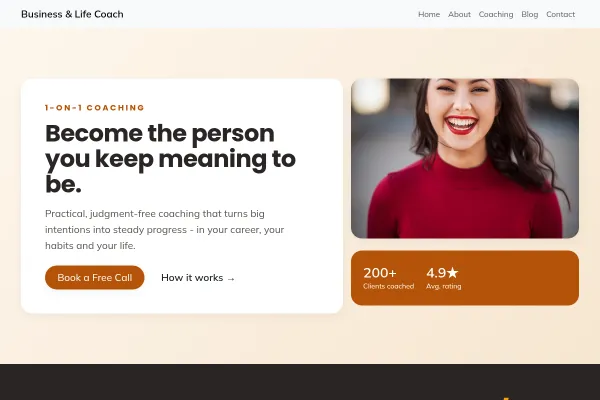
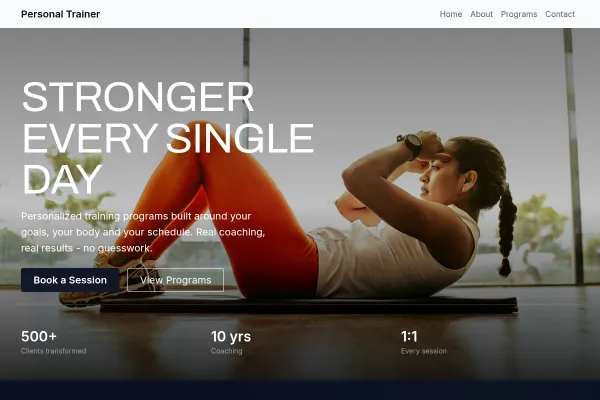
Hand-picked designs for this kind of business - customise any of them.

Frequently asked questions

Salons, clinics, trades, consultants, tutors - anyone who takes appointments. You define your services, staff and hours.

Yes. Collect a deposit or the full amount via Stripe at booking time to reduce no-shows.

Yes - automatic confirmation and reminder emails, and they can reschedule or cancel themselves from a secure link.

No. Booking is built into your site and dashboard, so it matches your brand and needs no external service.

Switch the booking mode to "Request a time". The customer asks for a time that suits them and you confirm it, rather than picking from a calendar. Fixed-slot mode is the other option: visitors see real times and book them outright.

Set the minimum notice you need in hours. With 24 hours set, nobody can book tomorrow morning at eleven o'clock tonight. You can also cap how far ahead the calendar opens, so it stops at, say, two months out.

That is your choice. Let them pick a person by name, which suits a hairdresser or trainer people come back to, or pool the availability and assign it yourself, which fills the diary more evenly when your staff are interchangeable. Each person can also be limited to the services they actually offer.

Yes. Time off blocks a staff member between two dates with a reason, and blocked time disappears from the calendar so nobody can book over it. Bookings already inside that range are not cancelled for you, so check the calendar first if you are blocking a long period.

Add them yourself and they occupy the slot exactly as an online booking does, so your calendar stays true whether the customer phoned, walked in or booked at midnight. Cancelling a booking frees its slot again for someone else.

Ready to build it?

Build and publish your site for free, with no card. Booking & appointment website builder needs Starter, free for 14 days on the trial, and you can cancel any time.