 Professional Services
Real Estate Agency
Estate agent: a full-bleed terrace, the real listings with search, the fee on a brick band, neighbourhoods as street-sign plates, a free valuation as the ask.
Real listings, searchable, each on its own page - and viewing requests that reach you.
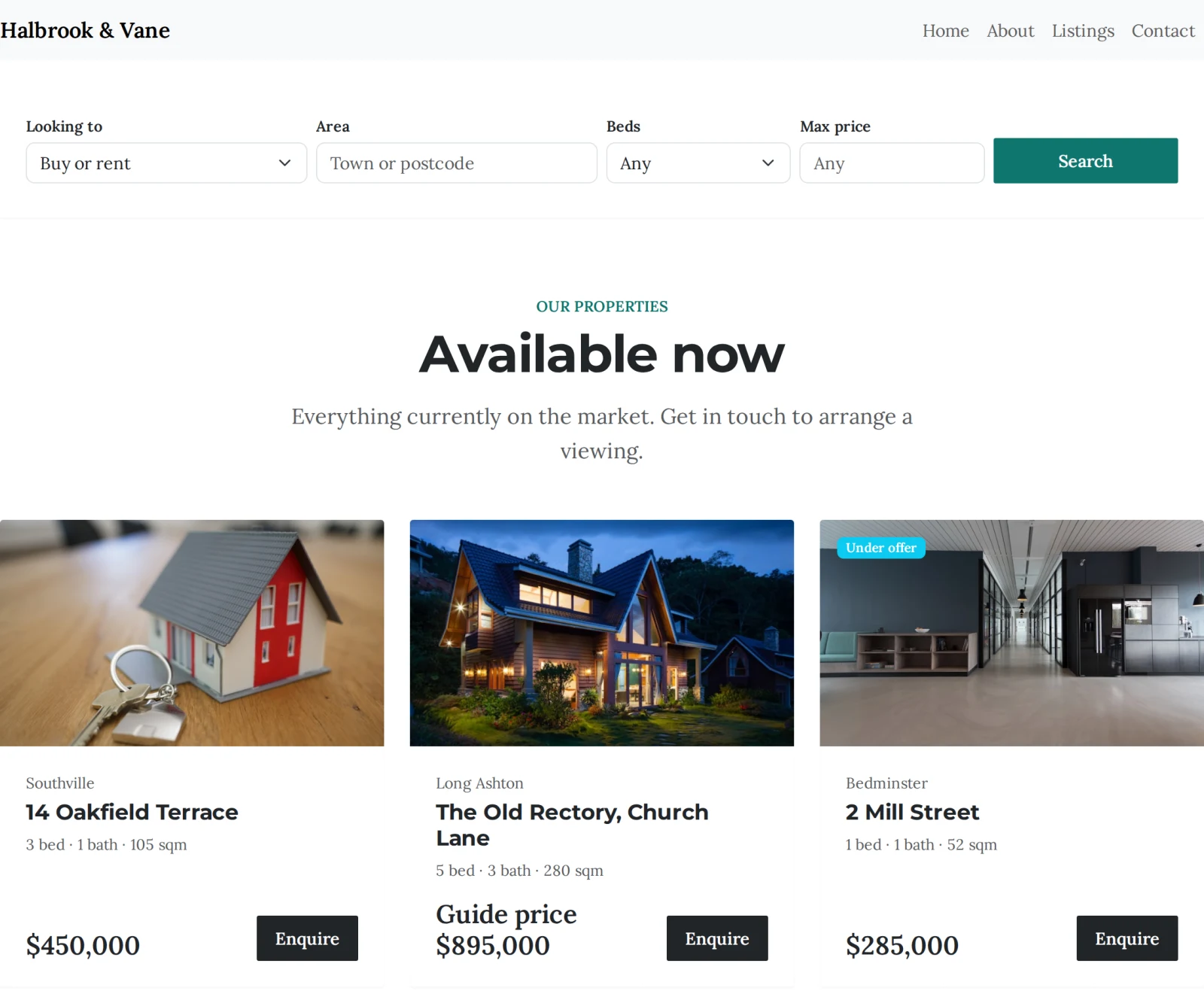
Put your properties on your own site rather than only on the portals. Each one gets its own page with the address in the title, so it can be found on its own; buyers filter by price, bedrooms and type; and every viewing request lands in your dashboard as an enquiry attached to the property it is about.
Building your site, pages and blog are free forever. Estate agent website builder is not - it needs Starter ($14.99/mo). The 14-day free trial covers it, and starting the trial needs a card. That tier covers 10 live listings; an agency carrying more stock than that is on Growth Business. There is no per-listing or per-enquiry charge on any tier.
Before you start the trial
What it replaces
Photos, price, bedrooms, floor area and the features buyers ask about - published from your dashboard, not pasted into a page.
Buy or rent, area, bedrooms, maximum price - and the features people refuse to compromise on, like a garden or off-street parking.
Every listing gets its own address on your site, with the property in the page title and its own photos, floorplan and structured data. That is the page that ranks - nobody searches for "our properties".
Enquiries arrive naming the property, email whoever handles them, and become a contact whose whole history sits on one timeline.
Sold and let properties stay on the site with a badge rather than disappearing. A wall of them is the most persuasive thing you can show a seller.
Import your portfolio from a spreadsheet - prices, addresses, features, photos and key features - rather than typing sixty properties by hand.
Live in an afternoon - no code, no plugins.
Photos, price, bedrooms, tenure and EPC - or import the whole portfolio from a spreadsheet rather than typing it twice.
Drop the listings grid and search onto your pages. Every property also gets its own page automatically, with its address in the title.
Viewing requests arrive naming the property, land in your dashboard and become contacts - so you can see everything one applicant ever asked about.
Hand-picked designs for this kind of business - customise any of them.
Professional Services
Estate agent: a full-bleed terrace, the real listings with search, the fee on a brick band, neighbourhoods as street-sign plates, a free valuation as the ask.
 Professional Services
Working bookings included
Professional Services
Working bookings included
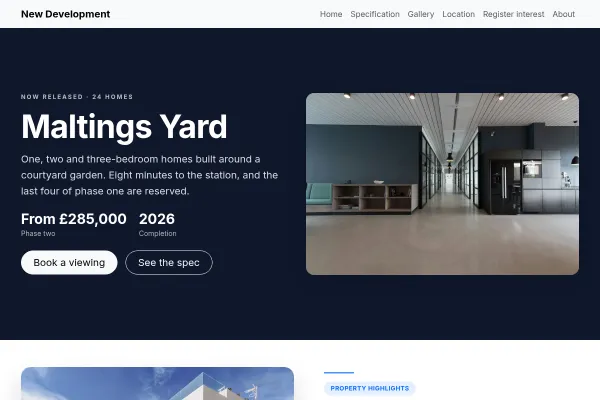
A single new-build scheme: show-home booking over the estate, a colour-coded site plan of plots, the spec sheet, the location in minutes, the real plot listings.
 Professional Services
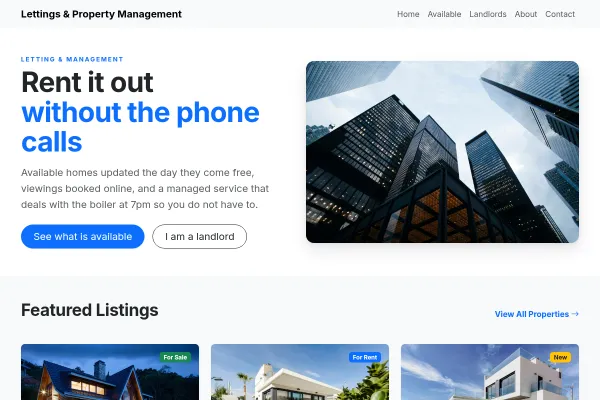
Lettings agency with two doors, renting and letting: the real listings, what every tenant gets, a landlord fee table, viewings and valuations as the ask.
Build and publish your site for free, with no card. Estate agent website builder needs Starter, free for 14 days on the trial, and you can cancel any time.