Letting agency website & listings

Letting agent website builder

What is available, what it costs per month, and when they can move in.

See a live agency site

  • 14-day free trial - card required
  • Free forever to build the site itself
  • Cancel anytime
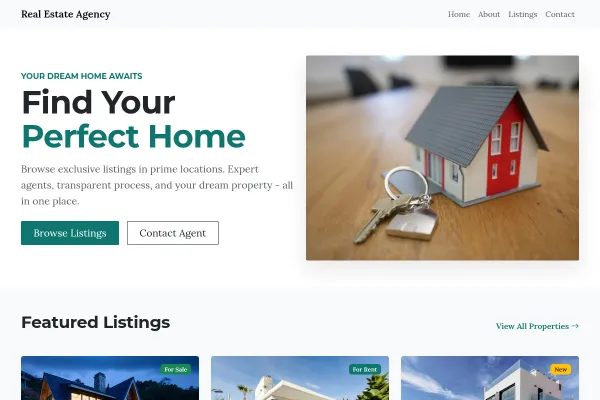
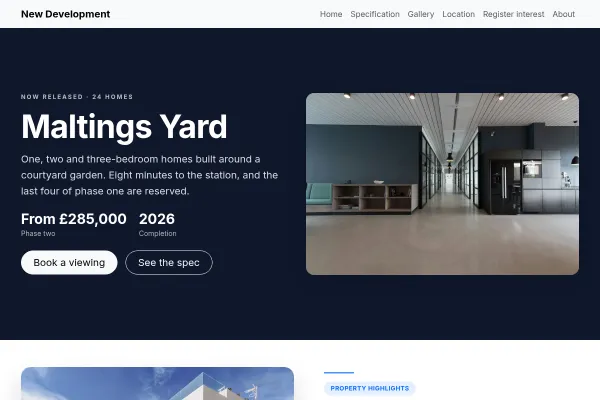
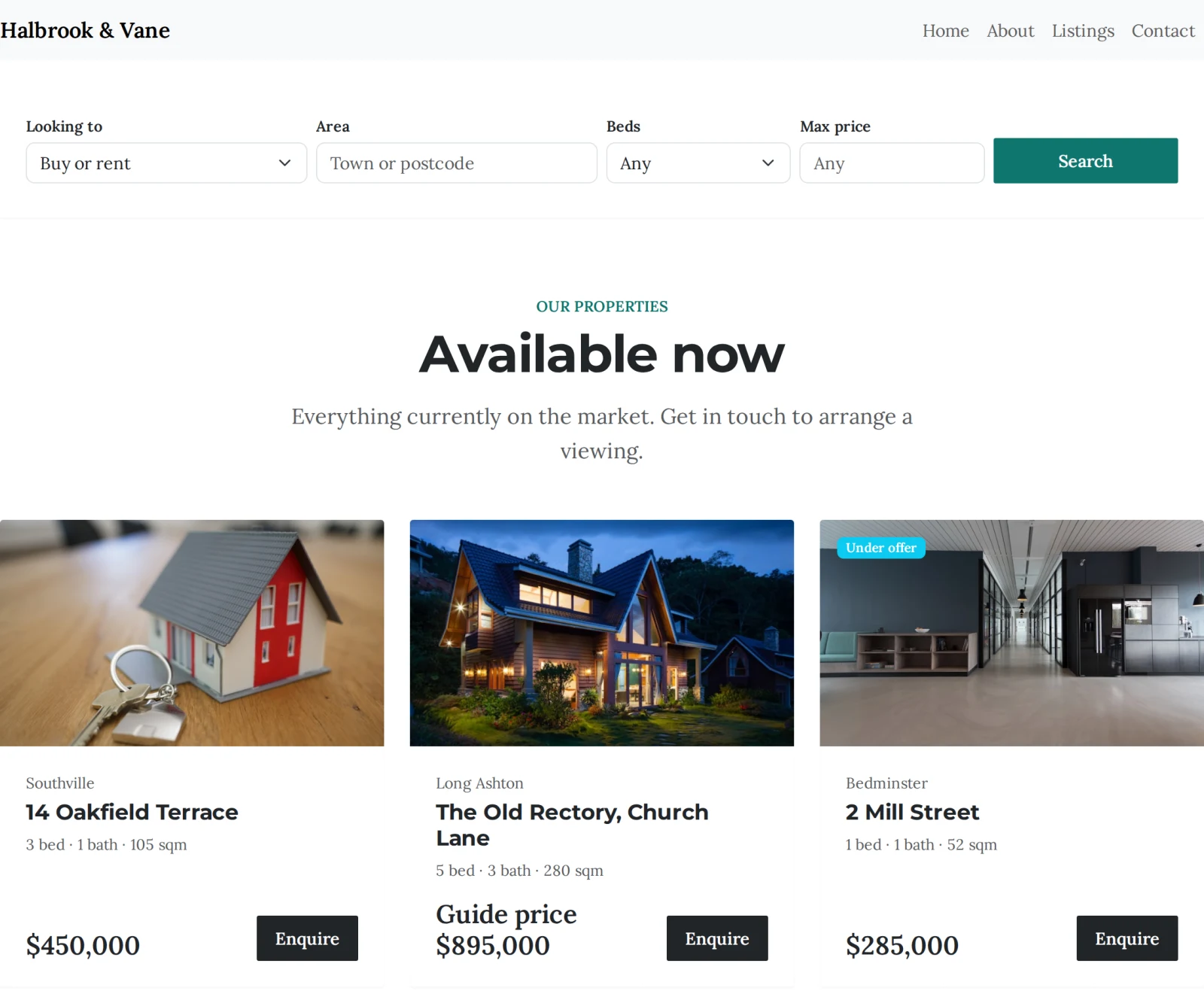
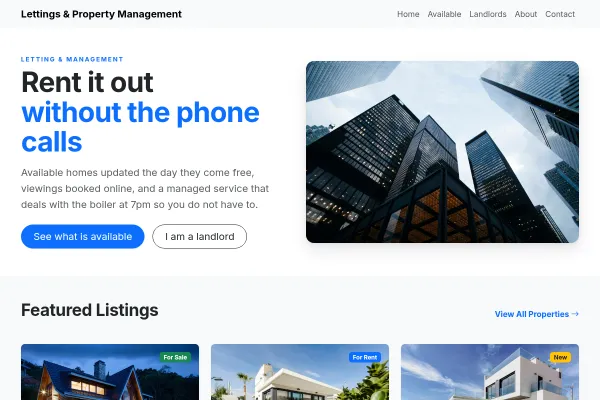
An estate agency listings page showing six properties with prices, specs and Under offer and Sold badges

Show tenants what is genuinely available, with the monthly rent, the deposit and the date they can move in - and give landlords a reason to instruct you on the same site. Viewing requests arrive naming the property, and everything is managed from one dashboard rather than a portal you pay per listing.

Building your site, pages and blog are free forever. Letting agent website builder is not - it needs Starter ($14.99/mo). The 14-day free trial covers it, and starting the trial needs a card. That tier covers 10 live listings; an agency managing more than that is on Growth Business. There is no per-listing or per-enquiry charge on any tier.

Before you start the trial

  • Nothing is charged today. Cancel any time before day 15 and you are not charged at all - the account moves to the Free plan and your site and its data stay.
  • Taking payment runs through your own Stripe account. Connecting it is a separate identity check with Stripe that can take a few days, so start it on day one if you want to take a real payment inside the trial.
  • The trial runs on Starter only. Moving up a plan part-way through ends the trial and starts the paid subscription, so if you already know you need the bigger tier, start there instead.
  • One trial per account.

What it replaces

  • Per-listing portal fees
  • A separate website
  • An availability list edited by hand
  • Applicant emails with no property attached
  • A spreadsheet of who viewed what
  • A landlord brochure sent separately
  • Rents and deposits buried in descriptions

Available now

Every property with its monthly rent, deposit, furnishing and the date it is free - updated the day it comes back on the market.

Filters tenants use

Area, bedrooms, maximum rent, furnished or not, and whether pets are allowed - the question that decides it for a third of applicants.

Viewing requests

Applicants ask to view the property they are looking at. The request names it, reaches your lettings address, and files the person as a contact.

A pitch to landlords

The same site carries your management proposition - fees, what is included, how rent collection and repairs work - so an instruction does not need a separate brochure.

Priced per month

Rents read as "pcm" the way tenants expect, with deposits and minimum terms recorded against each property rather than buried in a description.

Import your stock

Bring an existing portfolio across from a spreadsheet, including photos, key features and availability dates.

How it works

Live in an afternoon - no code, no plugins.

1

Add what is available

The monthly rent, the deposit, furnished or not, and the date each place is free - the four things a tenant asks before anything else.

2

Publish for tenants and landlords

Available properties with the filters applicants use, and your management proposition on the same site so an instruction needs no separate brochure.

3

Take the viewing requests

Applicants ask about the property they are looking at. The request names it, reaches your lettings address, and files them as a contact.

Templates to start from

Hand-picked designs for this kind of business - customise any of them.

Frequently asked questions

It is the same module set to lettings, and that changes what it asks you for and what it shows. Prices read per calendar month, properties carry a deposit, a minimum term and an available-from date, and the features are the lettings ones - furnished or unfurnished, bills included, pets allowed - rather than tenure and chain-free status.

Yes. Each property carries an available-from date, so somebody whose notice period ends in six weeks can tell at a glance whether it is worth enquiring - which saves your negotiators the calls that go nowhere.

Yes, both, along with area, bedrooms and maximum rent. Pets in particular decides it for a large share of applicants, and answering it on the listing stops the question arriving by phone one property at a time.

Mark it Let. It stays on the site with a Let badge, which shows applicants you move properties quickly, or disappears entirely if you would rather show only what is available - that is one setting.

To an Enquiries list in your dashboard and to whatever address handles lettings, with the property in the subject line. Each applicant also becomes a contact, so a person who asks about four flats is one record rather than four.

Yes - set the agency type to "both" and each property is marked as for sale or to let when you add it. The site then offers visitors the choice, and each listing is priced and worded the right way for what it is.

No. Your plan sets how many properties you can have live at once, and there is no per-listing or per-enquiry charge on top - which is the part that makes portals expensive once your stock grows.

Yes, and the lettings template ships with a page for exactly that - your management levels, what each includes and what it costs. Landlords and tenants want different things from the same website, and the template is built to speak to both without either getting in the other's way.

Ready to build it?

Build and publish your site for free, with no card. Letting agent website builder needs Starter, free for 14 days on the trial, and you can cancel any time.