Restaurant website & ordering

Restaurant website builder with online ordering

Menu, online ordering for pickup and delivery, table reservations and payments - all built in.

See a live restaurant site

  • 14-day free trial - card required
  • Free forever to build the site itself
  • Cancel anytime
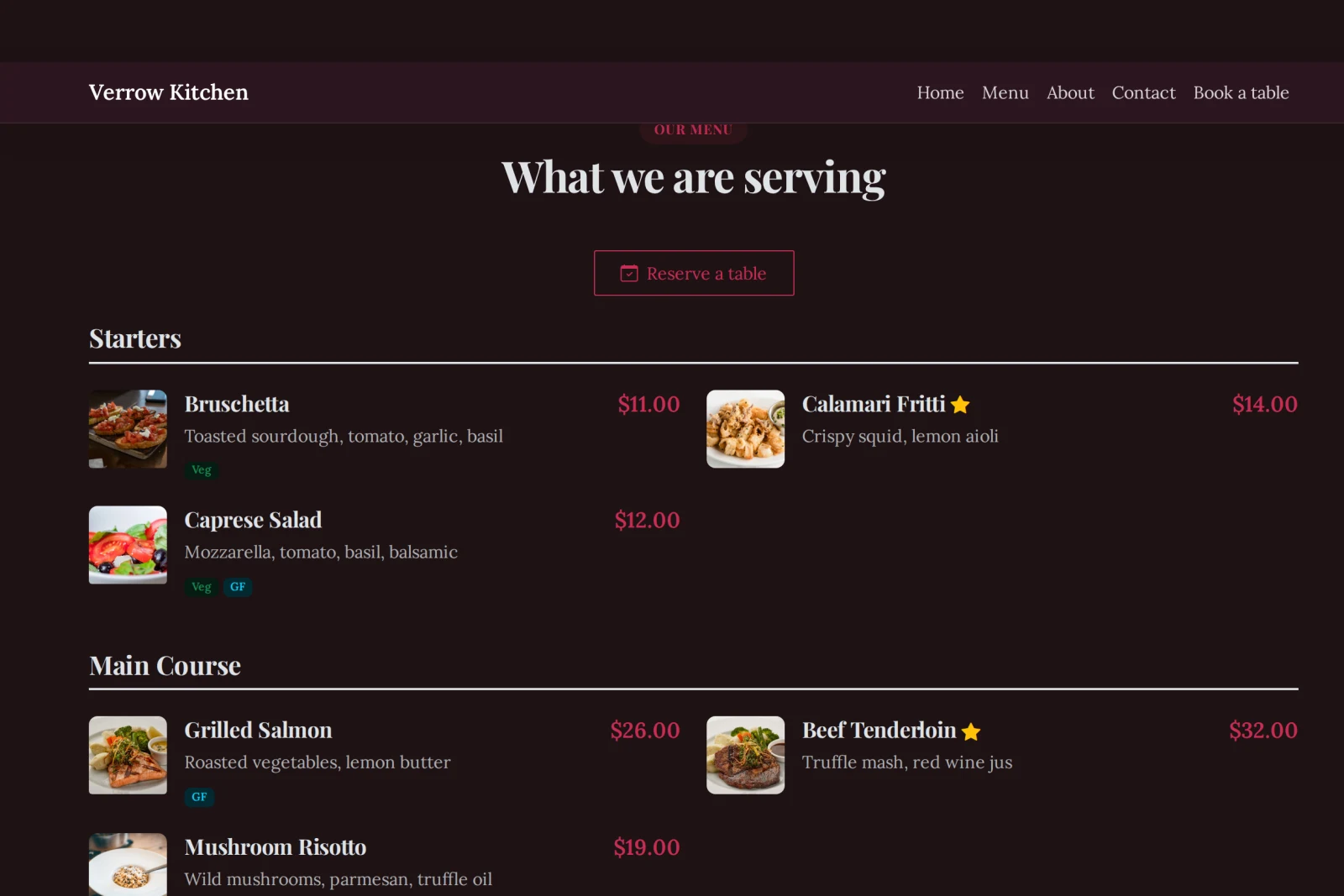
A restaurant menu page showing dishes with photos, prices and a Reserve a table button

Launch a restaurant website that actually runs your restaurant. Show your menu with photos, sizes and prices, take orders for pickup or delivery paid online, and let guests reserve a table - all from one dashboard, with no separate apps to stitch together.

Building your site, pages and blog are free forever. Restaurant website builder with online ordering is not - it needs Starter ($14.99/mo). The 14-day free trial covers it, and starting the trial needs a card. That tier covers 50 table bookings a month and carries a 2% platform fee per online payment (1% from Growth Business up); a busy kitchen is on Growth Business.

Before you start the trial

  • Nothing is charged today. Cancel any time before day 15 and you are not charged at all - the account moves to the Free plan and your site and its data stay.
  • Taking payment runs through your own Stripe account. Connecting it is a separate identity check with Stripe that can take a few days, so start it on day one if you want to take a real payment inside the trial.
  • The trial runs on Starter only. Moving up a plan part-way through ends the trial and starts the paid subscription, so if you already know you need the bigger tier, start there instead.
  • One trial per account.

What it replaces

  • Commission on every delivery order
  • A separate website
  • A payment setup
  • A booking widget you rent monthly
  • A menu PDF somebody re-exports
  • Reservations taken over the phone at service
  • A photo of the specials board on social media

Menu with photos & options

Add dishes with photos, descriptions, sizes and extras. Prices update everywhere the moment you change them.

Online ordering - pickup & delivery

Take orders paid by card or cash, with your own delivery zones and fees, a minimum order, prep time and opening hours.

Table reservations

Let guests book a table with real availability and automatic email confirmations - no third-party widget.

Promotions & tips

Run discount codes, accept tips at checkout, and pause orders in one click when the kitchen is slammed.

Works on every phone

Your menu and ordering are fast and mobile-first, so hungry customers order in seconds.

See what sells

Per-site analytics show your best dishes, revenue and orders so you know what to promote.

How it works

Live in an afternoon - no code, no plugins.

1

Put your menu in

Dishes, prices, photos and courses - changed from your phone when the specials change, not re-exported as a PDF.

2

Turn on ordering and bookings

Pickup, delivery or both, with your own areas and fees; and a table diary with the covers and hours you actually work.

3

Connect Stripe and publish

Orders and reservations come to one dashboard, paid by card or on collection, with no commission taken out.

Templates to start from

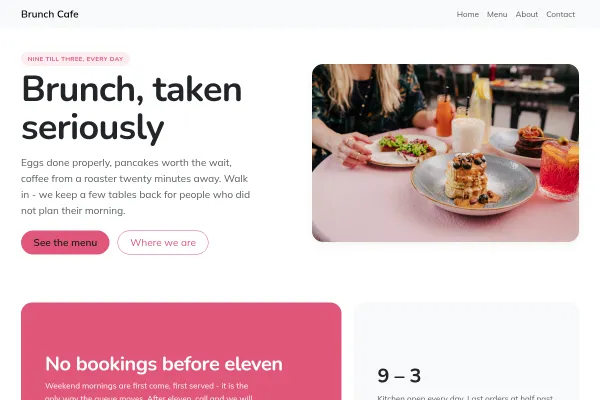
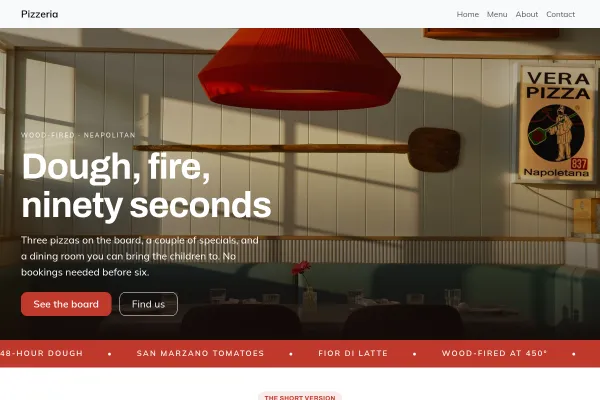
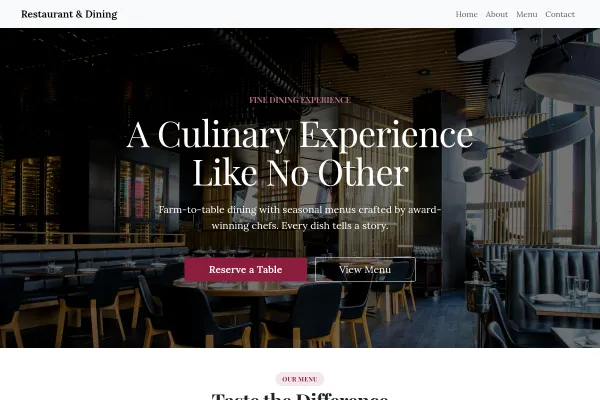
Hand-picked designs for this kind of business - customise any of them.

Frequently asked questions

Yes. You can offer pickup, your own delivery, or both. Set delivery zones with their own fees, a minimum order, prep time and opening hours - orders are paid online by card or taken as cash on collection.

Yes. Add dishes with photos, descriptions, sizes and extra options, grouped into categories. You can also import your whole menu from a spreadsheet.

Yes. Built-in reservations let guests book a table with real availability and automatic confirmation emails, alongside online ordering.

No. Everything is point-and-click. Pick a restaurant template, add your dishes, turn on online ordering, and connect Stripe to get paid.

Card payments go straight to your own Stripe account. You can also accept cash on collection or delivery.

Yes, and this is the part worth doing properly. Every dish carries dietary tags - vegetarian, vegan, gluten-free, nut-free, halal, spicy - and the full statutory fourteen allergens: gluten, crustaceans, eggs, fish, peanuts, soya, milk, tree nuts, celery, mustard, sesame, sulphites, lupin and molluscs. Tagged allergens appear to the guest as a "contains" note, which answers the question before anyone has to ask a member of staff. Online ordering removes the conversation where someone would otherwise have asked, so keep them accurate as recipes change.

No. Upload a spreadsheet with the name, price, description, category and dietary tags of each dish. Rows are matched on the dish name, so re-uploading an edited file updates the dishes you already have instead of creating a second copy of your menu.

Yes. Give a dish an available window and it only appears during those hours, so the lunch menu shows at lunchtime and disappears afterwards. Leave the window blank and the dish is available all day.

Switch it to unavailable and it comes off the menu in seconds. Use that rather than deleting it - the ninety-nine days a year you do serve it, it is still there, with its photo, description and options intact. It is also the difference between a customer choosing something else and a customer being told after they have paid.

You define each area you deliver to, and each one carries its own delivery fee and its own minimum order. Set the minimum from what makes a trip worth driving rather than what sounds generous - a delivery that loses money loses it every single time. You also set a prep time, which the customer sees as a realistic wait.

Ready to build it?

Build and publish your site for free, with no card. Restaurant website builder with online ordering needs Starter, free for 14 days on the trial, and you can cancel any time.