 Online Shop
Working store included
Online Shop
Working store included
Fashion Boutique
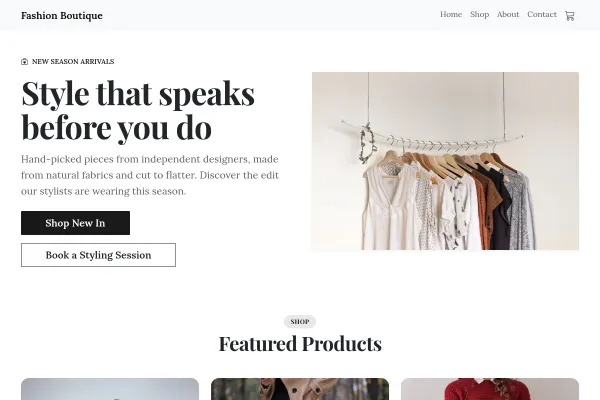
Clothing boutique as a lookbook: numbered looks from the rails, the real seeded pieces, a fitting room of three promises, new in on Thursdays.
One garment, every size and colour, each with its own stock - plus returns, reviews and card payments.
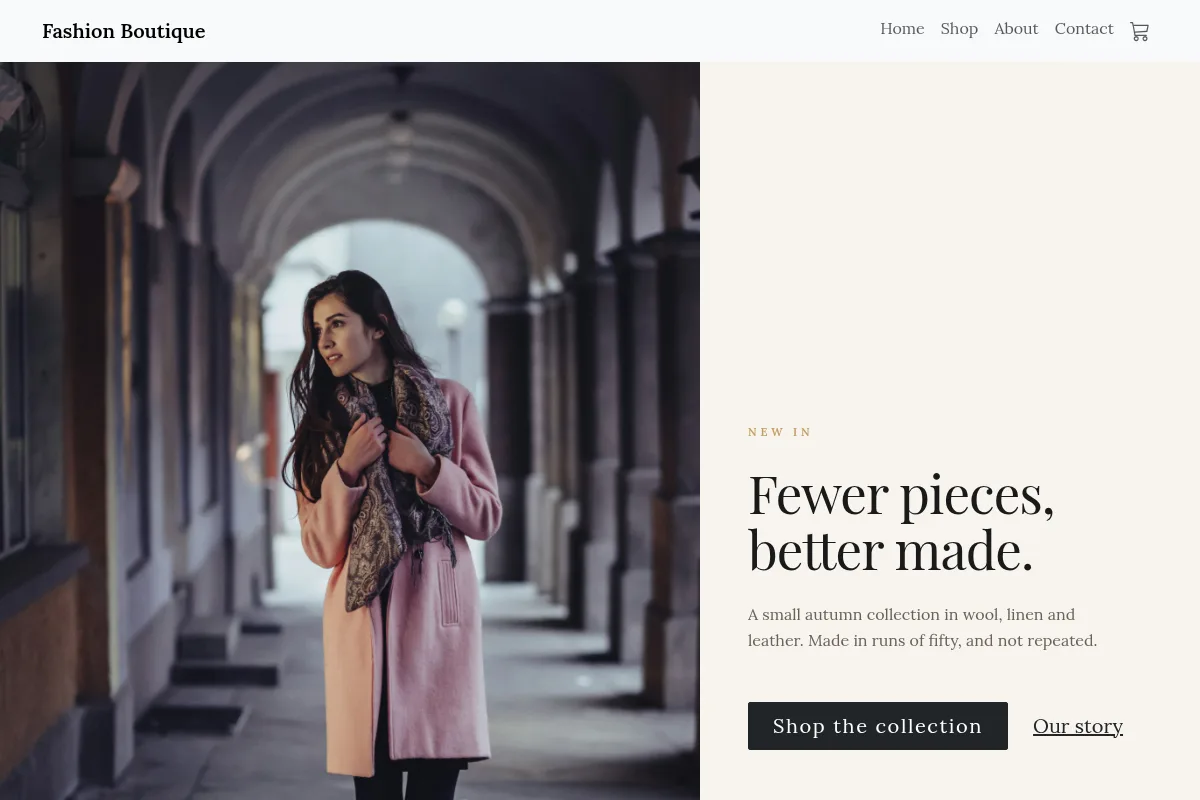
A fashion shop lives or dies on whether the size someone wants is genuinely there. Add a garment once with its photos, description and price, then add size and colour as options: every combination is generated for you, each with its own stock count, SKU and photo. Navy in medium can sell out without taking the whole product off the shop, and the rail online matches the rail in the room.
Building your site, pages and blog are free forever. Clothing store website builder is not - it needs Starter ($14.99/mo). The 14-day free trial covers it, and starting the trial needs a card. That tier covers 100 products and carries a 2% platform fee per sale (1% from Growth Business up); a full rail is on Growth Business.
Before you start the trial
What it replaces
One garment carries every combination. Each has its own price, SKU, stock count and photo, so a colour can show its own shot and a size can sell out on its own.
Track stock per combination, set a low-stock threshold so you are warned before it goes, and choose whether a sold-out size can still be ordered or simply comes off the shop.
Buyers request a return or a cancellation from their own account, item by item, with a quantity and a reason. You approve or refuse it with a note against the order.
Star ratings with a title and a written review, marked as a verified purchase when the reviewer actually bought the item, and held pending until you approve them.
Give a garment a was-price and the reduction shows. Run percentage, fixed-amount, free-shipping or buy-X-get-Y codes, each with its own dates, usage cap and per-customer limit.
With customer accounts on, shoppers save items and you see how many saved each one. On a rail, that is the clearest read you get on what to reorder and what is priced wrong.
Live in an afternoon - no code, no plugins.
Photos, description and price. Add size and colour as options and every combination is generated for you.
Each combination carries its own stock, SKU and photo. Set a low-stock warning, and decide whether a sold-out size can still be ordered.
Card payments land in your own Stripe account, orders arrive in one dashboard, and stock comes down as each size sells.
Hand-picked designs for this kind of business - customise any of them.
Online Shop
Working store included
Clothing boutique as a lookbook: numbered looks from the rails, the real seeded pieces, a fitting room of three promises, new in on Thursdays.
 Online Shop
Working store included
Working bookings included
Online Shop
Working store included
Working bookings included
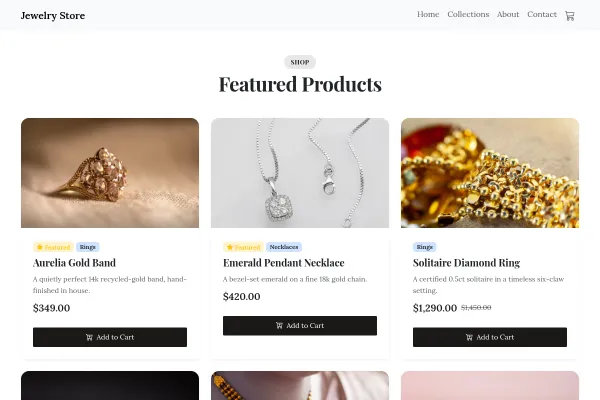
Goldsmith: hands at the bench with a gold-ringed loupe over a ring, the real seeded pieces, four bench stages, a consultation booking, recycled gold.
 Online Shop
Working store included
Online Shop
Working store included
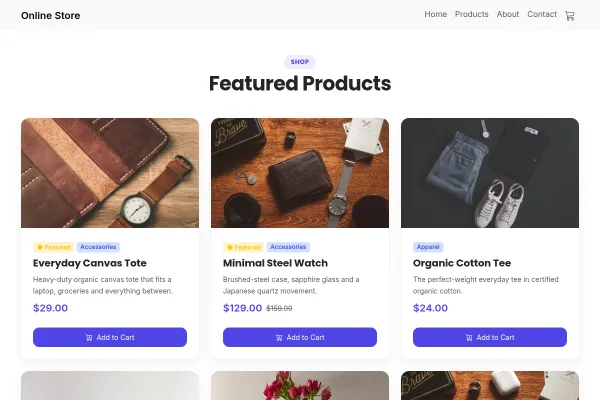
Independent online shop at the packing table: a parcel being taped with a shipping label of dispatch, delivery and returns, the real seeded products, six people and plastic-free packing.
Practical guides from the Webkio blog.
Build and publish your site for free, with no card. Clothing store website builder needs Starter, free for 14 days on the trial, and you can cancel any time.
Already have a website? Import it free and see it as a Webkio site, and your pages keep the addresses they already have.