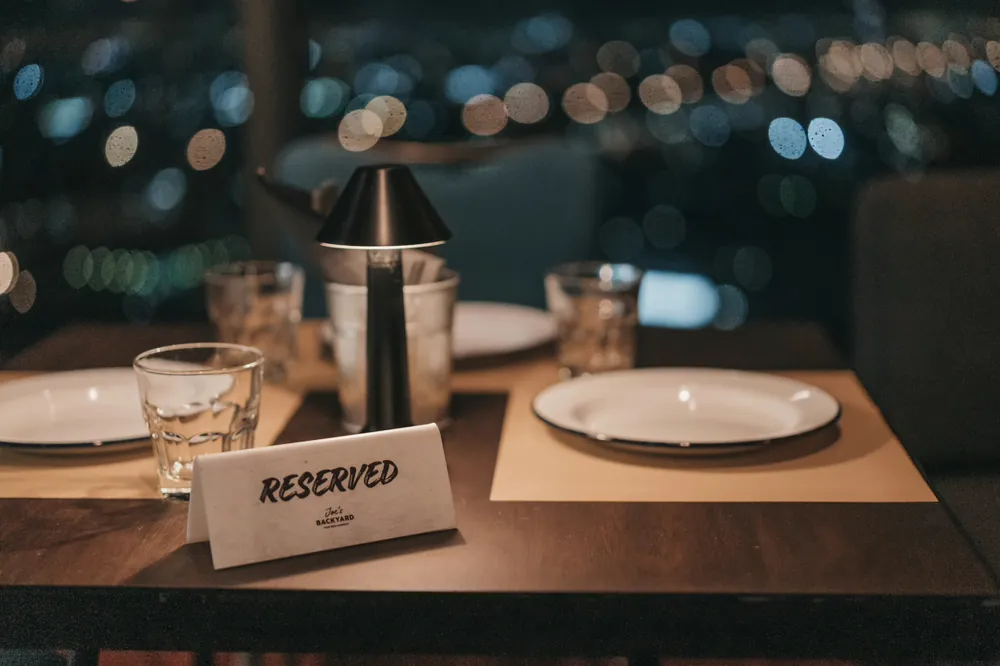
The phone rings at 7:40pm on a Friday. Somebody wants a table for four on Sunday. The person who answers is carrying two plates, the book is by the till at the other end of the room, and the caller is told to ring back later. They do not ring back later.
That is the actual cost of taking reservations by phone, and it is not the cost of the phone call. It is the bookings that were never made because the only channel was busy exactly when demand was highest.
A reservation is not an appointment
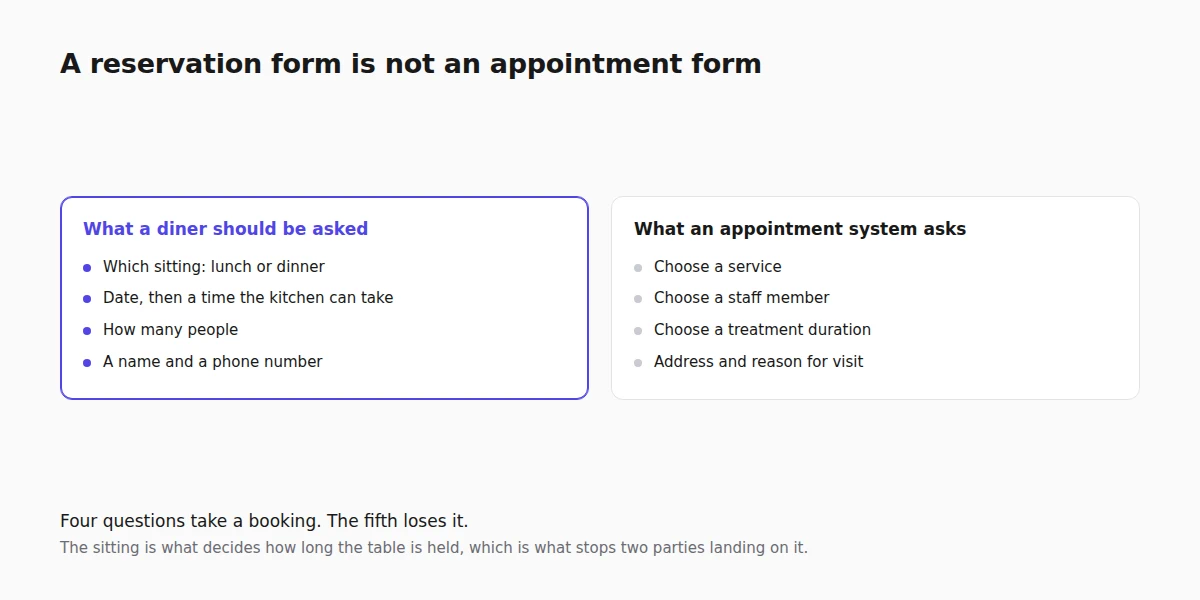
Booking systems are mostly built for appointments: a service, a duration, a practitioner. Point that at a dining room and it starts asking a diner to choose a "service" and pick a "staff member", which is a hairdresser's question, not a restaurant's.
A restaurant booking form should ask four things and no more:
- Which sitting. Lunch or dinner, not a menu of treatments. This is what decides how long the table is held.
- When. A date, then a time the kitchen can actually take.
- How many. Party size, because two covers and eight covers are not the same booking.
- Who to call. A name and a phone number. The email is useful and the phone number is what you actually use at 6pm when something changes.
Anything else on that form is a question you are asking instead of taking a booking.
Sittings, not services
The useful reframing is that a restaurant's "services" are sittings, and the difference between them is how long the table is held. A lunch might be 90 minutes, dinner two hours, a Sunday roast longer than either.
Setting them up this way does two jobs at once. The diner picks something they understand, and the system knows how long to reserve the table for, which is what stops two bookings landing on the same table thirty minutes apart. If your turn times differ by day, the sitting is where that lives.
Two sittings is usually enough to start. Adding a third for private dining or a set menu is a decision to make after you have watched a month of real bookings, not before.
Where the available times come from
The times a diner is offered are generated rather than typed. They come from the hours you set, cut into slots, with anything already booked removed.
That means the settings worth getting right on day one are:
- Your opening hours, per day. This is the source of every slot on the form, so a wrong Tuesday is a wrong Tuesday for every future Tuesday.
- Notice. The minimum warning you need. Setting this to two hours stops somebody booking a table for right now while the kitchen is mid-service.
- How far ahead. The window in which people can book at all. Too short and you lose the planners, too long and you are committed to a date you may not be open on.
- Buffer. The gap between one booking and the next on the same table, which is the time it takes to clear and reset.
Get those four right and the form maintains itself. The full walkthrough is in availability and hours.
How many tables can be booked at once
This is the setting that decides whether the whole thing works, and it is the one nobody thinks to look for.
Out of the box, a booking diary has one resource: itself. Every reservation competes for the same slot, so 7pm can be booked once and then 7pm is gone. That is right for a therapist with one room and completely wrong for a dining room with fourteen tables.
Parallel capacity comes from adding resources, one per booking you want to be able to take at the same time. They are added on the Staff screen because in most trades a resource is a person, and a restaurant simply names them after what it is really allocating: Table 1 to Table 12, or Window, Bar and Terrace if you would rather book areas than tables. The diner never sees them, because a restaurant's booking form does not ask which one they want.
The practical version: count how many parties you can seat in a sitting, add that many resources, and 7pm can be booked that many times. Adding one more later is a minute's work, and it is what you do when you put out the terrace in April.
Party size, said plainly
The reservation form has a Guests select, and the number the diner picks arrives with the booking as a line in its notes, reading "Party of 4". There is no separate covers column and no table plan behind it: this is a diary that records how many people are coming, not a floor-management system that assigns table 12.
For most independent restaurants that is the right amount of machinery, because the person who knows which table takes six is standing in the room. If you need automatic table assignment and a floor plan, you need a dedicated front-of-house product, and it is worth being told that plainly rather than discovering it on a busy Saturday.
Confirmations, reminders and the no-show problem
Restaurant no-show rates sit high enough that most operators eventually do something about them, and the ladder of responses goes in this order:
- Confirm immediately. The booking is only real to the diner when something lands in their inbox saying so.
- Remind the day before. A reminder is the cheapest intervention there is and it recovers most of the honest forgetting.
- Make cancelling easy. A table released at 4pm is a table you can sell. A guilty diner with no easy way to cancel simply does not turn up.
- Only then, take a deposit. For large parties, set menus and the dates you know you will fill, a deposit changes behaviour. For a Tuesday table for two it costs you more bookings than it saves. The reasoning is set out in cutting no-shows with deposits.
Every booking carries a status, so a table that did not turn up can be marked as such rather than quietly forgotten. After a month you will know whether your no-show problem is a real problem or a Saturday problem.
Where the bookings live
The diary matters more than the form. Reservations arrive as a list you can search and filter, and as a calendar view, which is the one most restaurants keep open: a service is a day, not a spreadsheet row.
The pass-level questions are answered from there. Who is coming tonight, how many covers, which bookings are still unconfirmed, and what happened to the party of eight from last week. Managing them day to day is covered in managing bookings, and the resources that set your capacity are on the same Staff screen described in staff time off, which is also where a closure day goes.
If you also want the same site taking orders for collection and delivery, that is a separate engine on the same site, and the argument for running it yourself is in stop paying delivery marketplace commission. What a restaurant site here ships with is listed on the restaurant website builder page.
FAQ
Can diners book a specific table?
No. This is a reservation diary rather than a floor plan: it records the sitting, the time and the party size, and the person running the room decides which table that is. If you need automated table assignment, you need dedicated front-of-house software.
How is party size recorded?
The booking form has a Guests select, and the choice arrives on the booking as a note reading "Party of 4". It is visible on the booking in both the list and the calendar.
Should I take a deposit for every table?
No. Deposits suppress casual bookings, which is exactly what you want on New Year's Eve and exactly what you do not want on a quiet Wednesday. Apply them to large parties, set menus and known peak dates.
What stops two parties booking the same slot?
Each booking holds its sitting's duration plus any buffer you set, and that time is removed from what is offered to anybody else on the same resource. How many parties can hold the same time is decided by how many resources you have added, not by the diner.
Can people cancel their own booking?
Yes, and you should let them. A cancelled table at 4pm can be resold. A no-show at 8pm cannot.