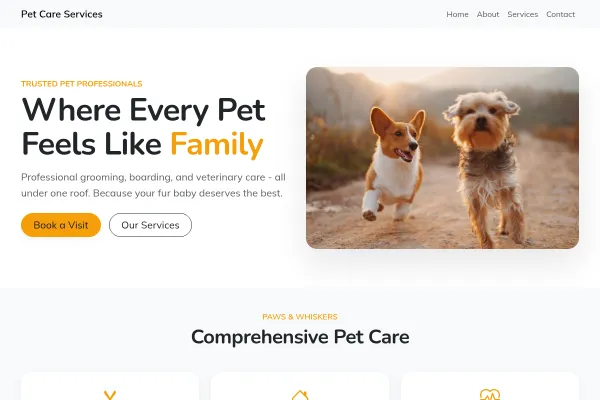
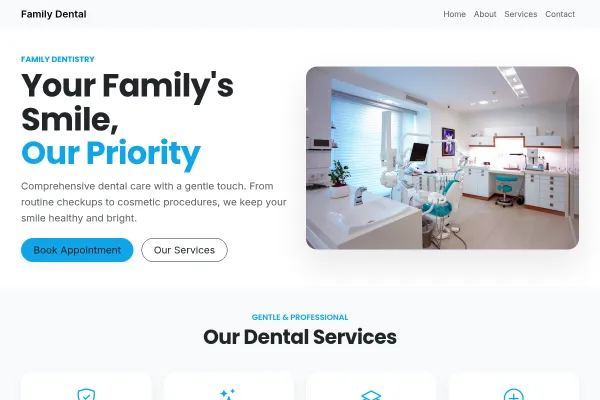
For daycares, preschools and childcare providers speaking to parents making the most sensitive choice there is. Safety, staff, daily rhythm and enrolment - in that order.
Make it yours
Show staff credentials and ratios plainly, walk through a typical day hour by hour, and photograph the real space (bright, clean, at child height). Make "book a visit" the CTA - no parent enrols from a website alone.
Parents Are Making the Most Sensitive Choice There Is
A daycare website is read with more care than almost any other kind of small business site, and in a specific order: is my child safe, who will be with them, what does a day look like, and how do I get a place.
Safety and staffing before anything else
Ratios, qualifications, safeguarding, how you handle illness and collection. Putting this first is not defensive; it is answering the question the parent actually arrived with.
Show the day, hour by hour
A daily rhythm, from arrival to nap to pick-up, lets a parent picture their child in the room. It is the single most reassuring thing this kind of site can publish and the most commonly missing.
Make enrolment a clear path
Waiting list, visit, offer, start date. Say what the steps are and how long each takes, because a parent researching six months ahead needs to know when to act.
Add photographs of your actual rooms and your real team, publish fees and sessions plainly, and keep the enrolment steps where a parent can find them without asking.
Questions and answers
Is the Daycare & Preschool template free?
Yes - you can start building with the Daycare & Preschool template for free. Paid plans unlock more projects, custom domains, and additional features.
What pages does the Daycare & Preschool template include?
It comes with 4 ready-made pages: Home, Programs, About, Contact.
What can the Daycare & Preschool template do?
It is set up for Pricing, Services, Gallery. Those are built in rather than add-ons, so they work from the moment the site is created.
What fonts and colours does the Daycare & Preschool template use?
Fraunces for headings and Nunito for body text, on a palette built around #c2410c and #fcd34d.
Do I need to know how to code?
No. The Daycare & Preschool template is edited visually in the drag-and-drop builder - no coding at any point.
How to Reduce Patient No-Shows at a Small ClinicA missed appointment costs the slot, the preparation and the patient who could have had it. What actually reduces no-shows at a small practice, in ...
Dog walking, home visits and boarding as field notes: a full-bleed pack walk, the day as a line of round photographs, three prices, a free meet-and-greet as the ask.
We use strictly necessary cookies to run the site and, with your consent, analytics cookies to understand usage. See our Cookie Policy and Privacy Policy.
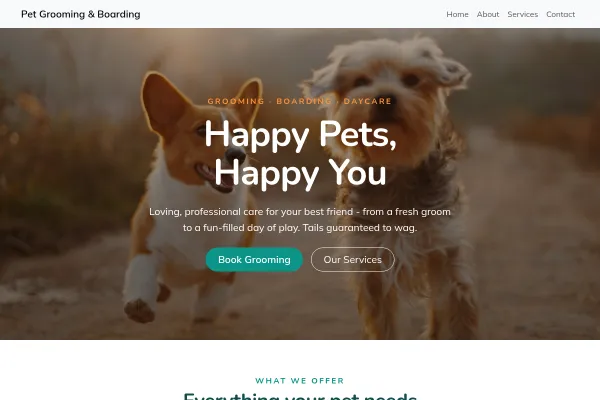 Health & Medical
Working bookings included · Starter plan
Health & Medical
Working bookings included · Starter plan