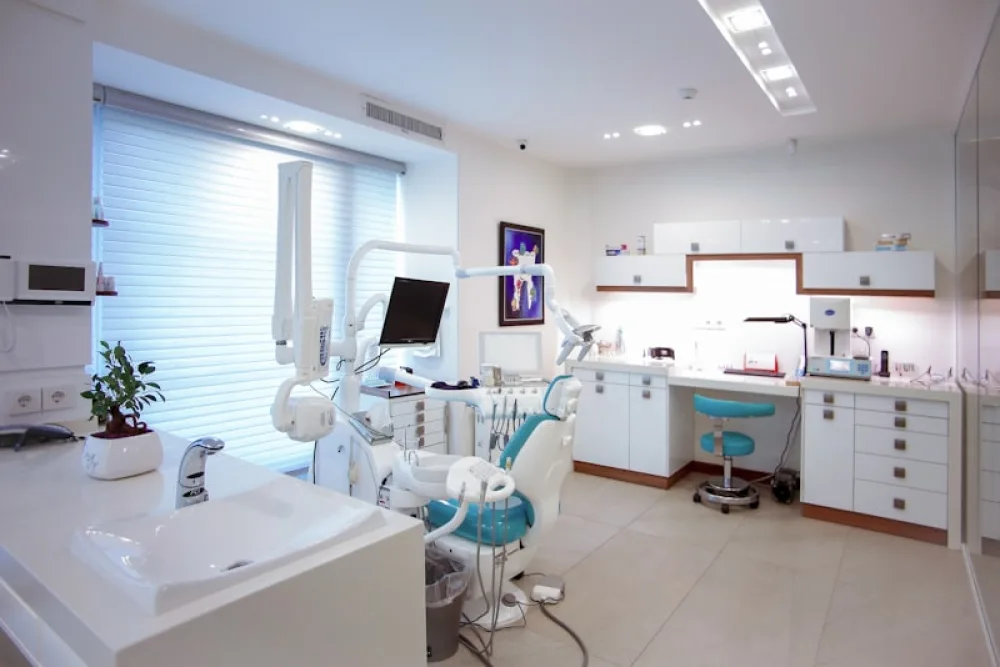
A healthcare website has two jobs at once: reassure - through clarity, calm design and visible credentials - and remove friction from getting seen. Patients arrive anxious or in a hurry; the site's structure should respect both.
What patients actually check
Before choosing a provider, patients look for a predictable list: services offered, who the practitioners are, where you are and when you're open, what it costs (or which insurers you take), and what other patients say. Put each of these one click or less from the homepage - this is not the place for creative navigation.
Practitioner profiles do the heavy lifting
Healthcare is chosen on trust in people. Every practitioner needs a real photo, specialty, credentials and languages spoken, plus a human sentence or two. "Dr. Ionescu has 15 years in family medicine and is endlessly patient with nervous children" does more than any mission statement.
Online booking, for the appointments that suit it
A large share of appointment requests happen outside office hours. Webkio's built-in appointment system handles services, practitioner schedules, buffers and reminders - so routine bookings happen at 10pm without your receptionist, while urgent cases still see your phone number at the top of every page.
Keep the operational facts sacred
Nothing damages trust like arriving to a closed clinic. Hours (including holiday changes), address with parking notes, and emergency instructions must be current above all else - assign someone to own them.
Plain language wins
Write services the way patients search: "teeth straightening" alongside "orthodontics", "skin check" alongside "dermatoscopy". This is kinder to worried readers and precisely what local search rewards - most of your new patients start at "[service] near me".
A note on tone
Calm colours, generous whitespace, no countdown timers or aggressive pop-ups. The design itself is a trust signal: a cluttered, pushy site reads like a cluttered, pushy practice.
Start from a template designed for care
The free health & medical templates are built around the checklist above: Medical Practice for clinics and GPs, Dental Clinic for dentistry, and Pet Care for veterinary practices. Booking, contact forms and practitioner sections are ready to fill in.
Everything above is practice-specific. The rest - domain, HTTPS, privacy and cookie pages, page speed on a phone - is in what every small-business site needs.
Start free - have the essentials live today, and let the front desk stop reading out your opening hours. If the appointment diary is the part you would rather not build, that is what the appointment booking website builder handles.
Building it, in the order that works
Most practice websites stall in the same place: somebody starts with the design, and three weeks later nobody has written the page that says when you are open. Do it in this order and a working site takes an afternoon.
- Write the practical page first. Address, parking, which entrance, opening hours, what to do out of hours, and how to get an urgent appointment. This is the page people actually open, usually on a phone, usually in a hurry. Everything else can wait.
- Add your practitioners. One entry each: name, registration, what they treat, which days they are in. Patients choose a person more often than they choose a clinic.
- Decide whether appointments confirm themselves. One switch in your Bookings settings covers the whole site: leave it on and a slot is taken the moment somebody picks it, turn it off and every appointment arrives as a request you approve first. It is not a per-service choice, so set it for the appointment type you would least want confirmed automatically. Practices that triage new patients generally keep approval on, because the approval is where the triage happens.
- Add your services and switch Bookings on. Starter covers five practitioners and 100 appointments a month; Growth Business raises that to 50 and 500.
- Then make it look like you. Photographs of the actual rooms beat stock images of smiling strangers, and they are free.
The pages a clinic needs, and the ones it does not
The list is shorter than most agencies will quote for:
- Home, which answers where, when and what in the first screen.
- A page per service, because "physiotherapy" and "sports injury assessment" are different searches even when they are the same room.
- Practitioners, one entry each.
- Fees, if you publish them. If you do not, say why and say what the first appointment costs.
- Contact, with the map, the parking, and the out-of-hours line.
What you can usually skip: a news feed nobody updates, a mission statement, and a photo carousel of corridors.
Three things that lose patients, none of them design
- Hours that are wrong. The bank holiday you forgot to change is the one somebody drives to.
- A phone number that is not tappable. On a phone, a number that is an image is a number nobody rings.
- A booking flow that asks for an account. People book a dentist at eleven at night. Ask for a name, a number and a slot.
FAQ
What should a clinic website include?
Your services, practitioners and their credentials, opening hours, location and parking, insurance or payment details, and how to make an appointment.
Do patients book appointments online?
Increasingly, yes - especially outside opening hours, which is exactly when your front desk cannot answer.
How do I build trust on a medical website?
Real photographs of the practice and the team, stated qualifications, and plain language instead of jargon.
How do I create a medical practice website?
Start from a template built for a clinic so the pages already exist, then replace the words and the photographs with yours. Write the practical page first - hours, address, parking, out-of-hours - add a profile per practitioner, decide which appointment types can be booked online, and publish. An afternoon is normal. There is a clinic demo you can click through before you start.
How much does a practice website cost to build?
It depends almost entirely on who writes the content and whether you need bespoke integration with practice-management software. There is a fuller breakdown in how much a medical practice website costs.
Read next
- What a medical practice website costs - the budget question, answered with the parts that actually cost money.
- How to make a dental practice website - the same job with a dentist's pages and priorities.
- Veterinary clinic websites and online bookings - and the version for animal patients.