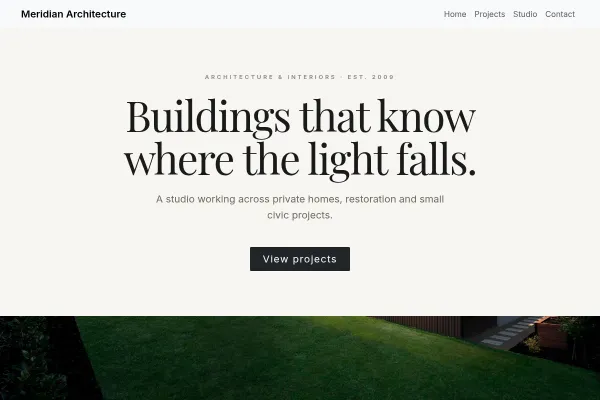
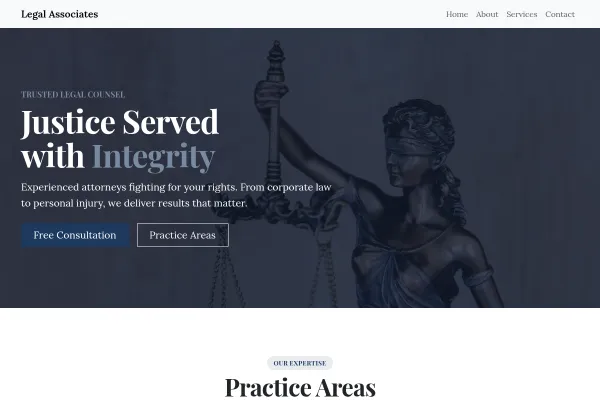
For architecture and design studios where the portfolio does the persuading. Full-bleed project imagery, minimal chrome, and a studio section that frames philosophy over sales copy.
Make it yours
Curate hard: six strong projects beat twenty average ones. Give each project a location, year and one-line concept, photograph finished work in natural light, and let your studio statement be short enough to actually get read.
The Portfolio Argues, the Studio Page Closes
Architecture is chosen visually and confirmed practically. Projects persuade a prospect that you make buildings they like; the studio section convinces them you can be worked with.
Give each project room and context
Full-width imagery, the brief, the constraint, the resolution. A grid of thumbnails shows range; a project told properly shows judgement, which is what a client is actually hiring.
Say what stage you take on
Feasibility, planning, detailed design, contract administration, full service. Clients frequently do not know what they need, and a clear scope list is genuinely useful rather than merely informative.
Be honest about scale and sector
Domestic extensions, new build, commercial, conservation. Prospects self-select accurately when you say what you do, and the enquiries that arrive will be closer to the work you want.
Keep the interface minimal so the photography carries the page. The portfolio principles here apply broadly: how to make a portfolio website.
Questions and answers
Is the Architecture Studio template free?
Yes - you can start building with the Architecture Studio template for free. Paid plans unlock more projects, custom domains, and additional features.
What pages does the Architecture Studio template include?
It comes with 4 ready-made pages: Home, Projects, Studio, Contact.
What can the Architecture Studio template do?
It is set up for Gallery. Those are built in rather than add-ons, so they work from the moment the site is created.
What fonts and colours does the Architecture Studio template use?
Manrope for headings and Karla for body text, on a palette built around #1f2326 and #b4532a.
Do I need to know how to code?
No. The Architecture Studio template is edited visually in the drag-and-drop builder - no coding at any point.
Local SEO for a One-Location BusinessYou do not need a content strategy to be found in your own town. You need consistent details, one good local page, and a profile you actually maint...
How to Get More Customer ReviewsReviews are the one local ranking signal a small business can genuinely influence. The timing that works, the ask that works, and how to handle the...
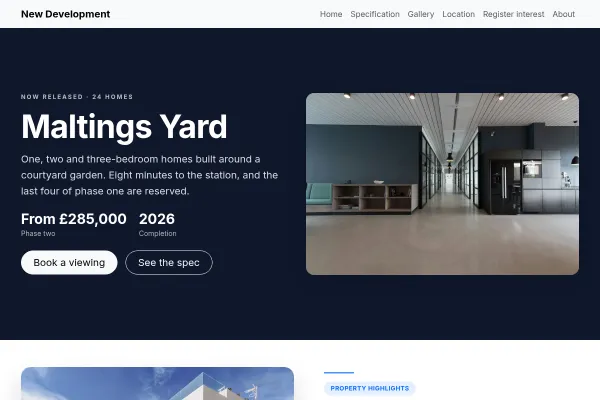
A single new-build scheme: show-home booking over the estate, a colour-coded site plan of plots, the spec sheet, the location in minutes, the real plot listings.
We use strictly necessary cookies to run the site and, with your consent, analytics cookies to understand usage. See our Cookie Policy and Privacy Policy.
 Professional Services
Working bookings included · Starter plan
Professional Services
Working bookings included · Starter plan