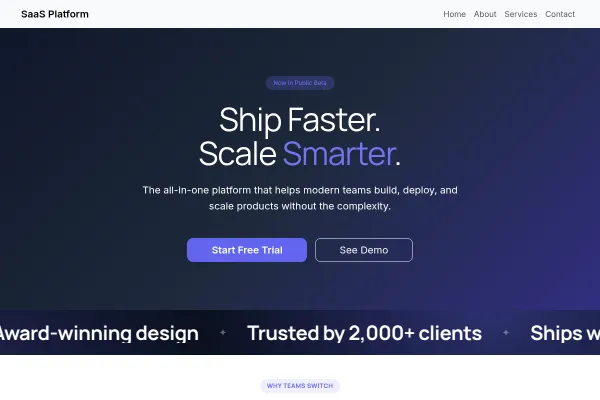
 Technology & SaaS
SaaS Platform
Software product site: one clear promise, features as the argument, pricing tiers and a free-trial ask.
4 pages
View template
For online courses, academies and training programs. Curriculum outline, instructor credibility and student outcomes are the load-bearing sections; enrolment is the single CTA.
List the curriculum as concrete lessons ("Module 3: pricing your work") rather than vague themes, put completion numbers or student results in the stats band, and add a syllabus-download or free-lesson offer to capture the not-yet-ready.
Somebody choosing a course wants to know what they will be able to do afterwards, then whether the syllabus and the instructor look credible. The order matters.
The job, the skill, the certification, the portfolio piece. Course pages that lead with hours of video are describing the input rather than the result.
Modules, what each covers and roughly how long it takes. Serious learners read this closely, and hiding it behind a signup suggests there is not much there.
Who they are, what they have actually done in the field, why they are qualified to teach it. This is the difference between a course and a playlist.
Student results, in their own words and with specifics, do more than any marketing claim. Keep the enrolment step short: the decision was made on the curriculum page.
Nobody judges a course price in the abstract - they judge it against what is in it. Put the module list, the hours and the format above the number and the number stops being the first objection.
"Suitable for complete beginners, not for anyone already working in the field" saves you the refunds and the poor reviews, and it makes everyone else more confident that you know your own audience.
Yes - you can start building with the Online Courses template for free. Paid plans unlock more projects, custom domains, and additional features.
It comes with 4 ready-made pages: Home, About, Courses, Contact.
It is set up for Services. Those are built in rather than add-ons, so they work from the moment the site is created.
Literata for headings and Source Sans 3 for body text, on a palette built around #7f1d1d and #ca8a04.
No. The Online Courses template is edited visually in the drag-and-drop builder - no coding at any point.
Technology & SaaS
Software product site: one clear promise, features as the argument, pricing tiers and a free-trial ask.
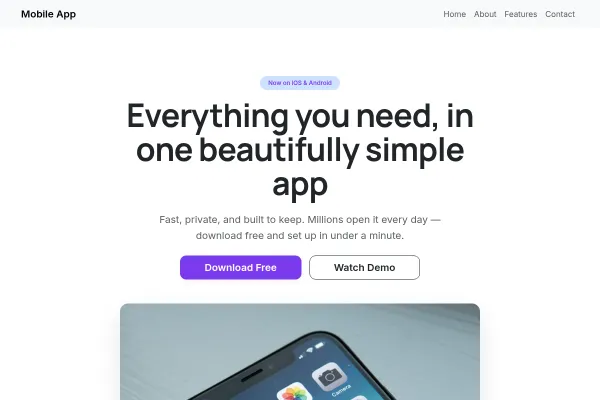 Technology & SaaS
App landing page: screenshots as the pitch, features in the app's own words, store badges as the one action.
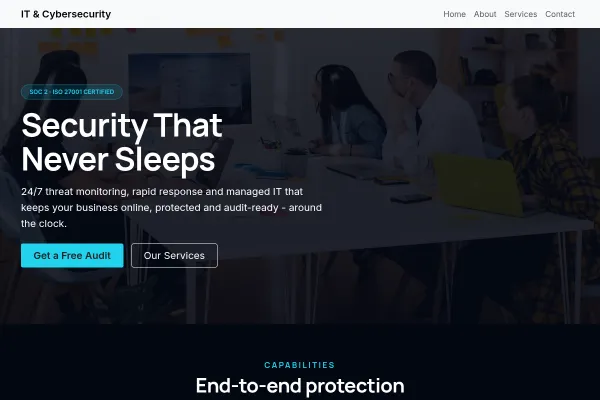 Technology & SaaS
Managed IT and security provider: services in plain English, a staged onboarding, and a fixed-price review as the ask.