Software lives or dies by how fast a visitor understands it. You have roughly five seconds before they decide whether to scroll - here's how the pages that convert spend them.
One sentence, above the fold
The hero headline is your product in one outcome-focused sentence: what the user gets, not what the software does. "Invoices that chase themselves" beats "An AI-powered accounts-receivable automation platform". Under it: one subline of context and a single call to action - sign up, join the waitlist, or book a demo. Pick one.
Show the product
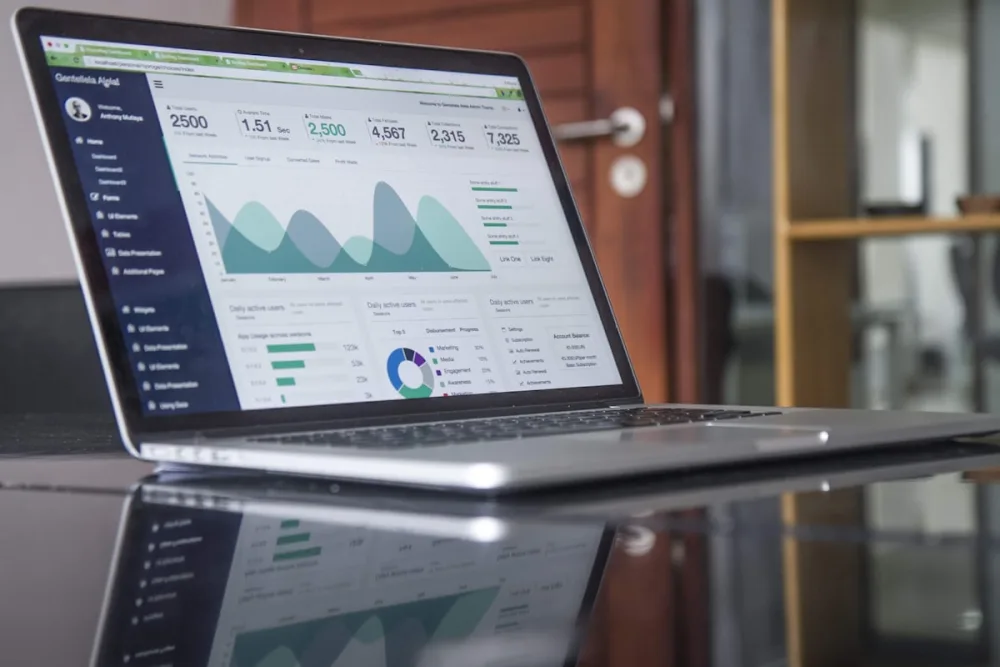
A real screenshot or short demo clip in the hero outperforms abstract illustrations. If the interface is your selling point, let people see it immediately; blurred mockups and floating 3D shapes convert worse than the actual product.
Sell outcomes, then features
Structure the page as three or four benefit sections - each one pain → outcome, with the feature as supporting evidence. Engineers love feature lists; buyers scan for "what does this fix for me". Close each section with the same CTA.
Proof beats promises
Logos, user counts, a testimonial with a real name and company, App Store ratings - even early-stage products have something ("Backed by…", "Used by 40 beta teams"). Put it directly under the hero where scepticism peaks.
Pricing: show it
Hiding pricing behind "contact us" costs signups for most self-serve products. A simple three-tier table - including the free tier - answers the question every visitor has. Add an FAQ for the objections you hear repeatedly (data export, cancellation, security).
Pre-launch? Capture emails
If you're pre-product, the whole page funnels into a waitlist form. One field (email), a clear promise of what happens next, and a thank-you that asks the one question you'd love answered ("what would you use this for?").
Ship it today, iterate weekly
Your landing page is a product surface - treat it like one. Start from the free technology & SaaS templates: SaaS for full marketing sites, Mobile App for app launches with store badges, and Education for courses and training products. Everything - pricing tables, FAQ accordions, email capture - is a built-in section you edit visually, so copy changes ship as fast as your roadmap moves.
Start free, publish in one click, and put your first headline in front of real visitors today.
FAQ
What should a SaaS landing page include?
A headline stating the outcome, a screenshot or demo of the product, proof it works, pricing including any free tier, and one repeated call to action.
How long should a SaaS landing page be?
Long enough to answer every objection a buyer has, in the order they have them. Short pages work when the product is simple and self-evident.
Should I show pricing on the landing page?
Yes. Hiding pricing filters out serious buyers far more often than it generates enquiries.