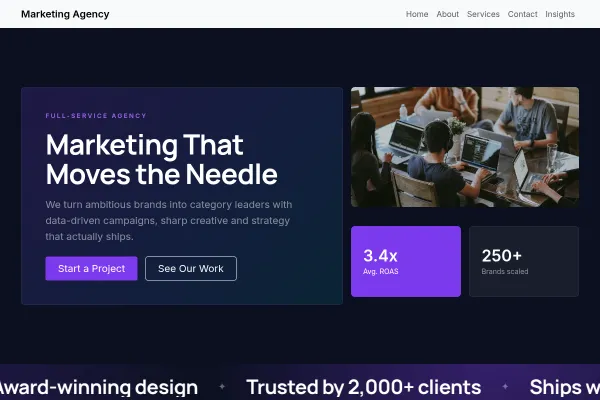
 Business
Marketing Agency
Loud, type-led agency site: highlighter headlines, hard rules, three sample pieces and a free-audit ask.
5 pages
View template
For factories, fabricators and industrial suppliers presenting capability to B2B buyers. Process photography, a capabilities grid and a spec-request flow replace consumer-style marketing.
Swap the process section imagery for your own floor and machines - B2B buyers read authenticity in the details. List materials, tolerances and certifications concretely, and make the CTA "request a quote / send drawings" rather than a generic contact.
An industrial buyer visits to answer one question: can this supplier make my part, to my tolerance, in my quantity, by my date. Everything else on the site is secondary.
Processes, materials, machine envelope, tolerances, batch sizes, certifications. This is the page engineers actually read, and vagueness here removes you from the shortlist silently.
The shop floor, the machines running, the part mid-production. Process imagery proves capacity in a way a finished component on a white background does not.
Drawing upload, quantity, material, deadline. A quote form that asks for a phone number and nothing else creates a call you could have answered with a price.
Swap the demo capability figures for your own, and keep certifications current with their expiry dates. Buyers check them, and an expired certificate is worse than an unlisted one.
Yes - you can start building with the Manufacturing & Industrial template for free. Paid plans unlock more projects, custom domains, and additional features.
It comes with 4 ready-made pages: Home, Capabilities, About, Contact.
It is set up for Services, Gallery. Those are built in rather than add-ons, so they work from the moment the site is created.
Work Sans for headings and IBM Plex Sans for body text, on a palette built around #22262b and #c8102e.
No. The Manufacturing & Industrial template is edited visually in the drag-and-drop builder - no coding at any point.
Business
Loud, type-led agency site: highlighter headlines, hard rules, three sample pieces and a free-audit ask.
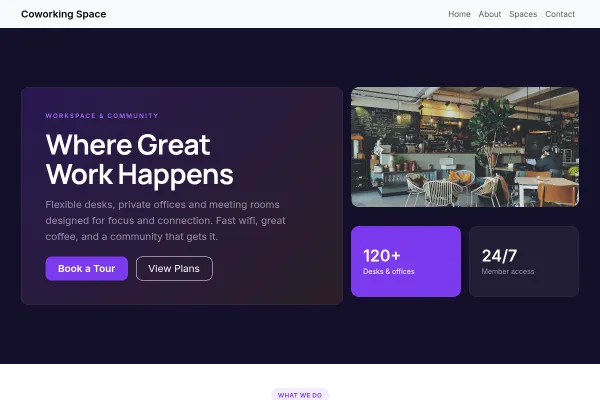 Business
Working bookings included · Starter plan
Business
Working bookings included · Starter plan
Daylight coworking space on one floor: a day-pass price in the first screen, the plans and rooms as an index, a tour as the one ask.
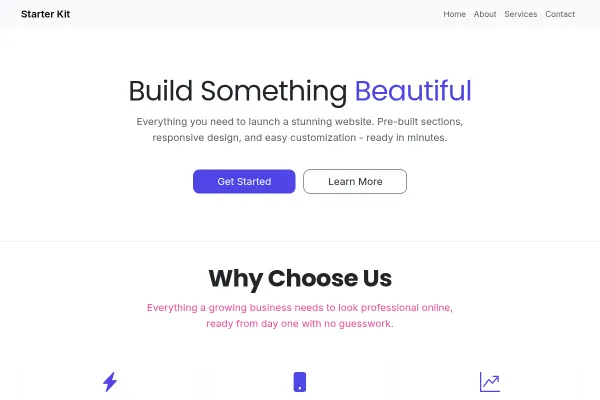 Business
Neutral, type-led starter on a rail grid: four pages, one voice, ready for any business.