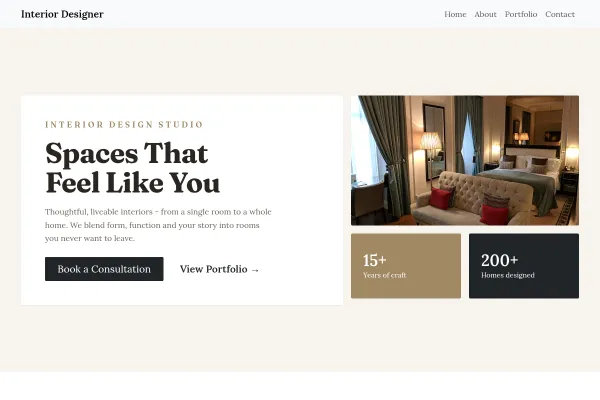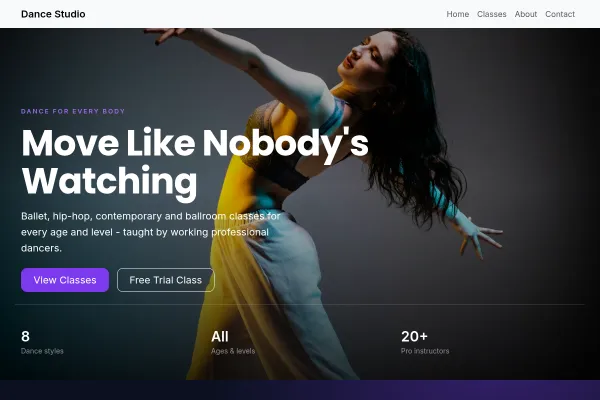
Who the Photography Studio template is for

For photographers of every genre. An image-dominant layout with gallery grids that keep attention on the frames, plus a booking-oriented contact flow for shoots.

Make it yours

Organise galleries by the work you sell (weddings, portraits, commercial) - not by year - and open with your single strongest image. Add package pricing if you dare; it pre-qualifies enquiries and saves both sides email rounds.

Galleries Sell, but Pricing Books

Photography sites are usually excellent at the first half and silent on the second. The visitor loves the work, cannot find a price or a way to enquire, and leaves to compare somebody who published both.

Split galleries by what you are hired for

Weddings, portraits, commercial, events. A mixed feed makes a prospect do the sorting, and most will not bother when a competitor has already grouped theirs.

Publish packages or a starting price

Even "wedding coverage from" with what is included changes the enquiry from "how much" to "are you free". It filters the enquiries that were never going to convert and speeds up the ones that were.

Say what happens after the shoot

Turnaround time, how many edited images, how they are delivered, print rights. These practical answers decide bookings more often than photographers expect.

Consultations and shoot dates can be held through set up bookings, and image-heavy pages benefit from keeping files properly sized before upload.

Questions and answers

Is the Photography Studio template free?

Yes - you can start building with the Photography Studio template for free. Paid plans unlock more projects, custom domains, and additional features.

What pages does the Photography Studio template include?

It comes with 4 ready-made pages: Home, About, Portfolio, Contact.

What can the Photography Studio template do?

It is set up for Pricing, Gallery. Those are built in rather than add-ons, so they work from the moment the site is created.

What fonts and colours does the Photography Studio template use?

Montserrat for headings and Inter for body text, on a palette built around #e4e4e7 and #71717a.

Do I need to know how to code?

No. The Photography Studio template is edited visually in the drag-and-drop builder - no coding at any point.

Ready to build your site?

Use the Photography Studio template