There is a particular kind of small business website where every photograph is bought. A handshake. A headset. A team of models in a boardroom nobody works in. It is not that the photos are bad. It is that they answer no question a visitor actually has.
People arrive at a small business site to find out whether you are real, whether you do the thing they need, and whether it looks like it is worth the money. Seven photographs answer all of that, and you can take every one of them on a phone in an afternoon.
The seven
- The front. The door, the sign, the van, the unit. This is how someone recognises the place when they arrive, and it settles "is this a real business" faster than any paragraph.
- The room. Where the work happens or where the customer waits. Tidy it first. This is the shot that decides whether people picture themselves there.
- The thing. What you actually sell, on its own, well lit. One product, one plate, one machine, one finished room. Not a collage.
- The person. You, or whoever the customer meets. Faces do something no interior shot does, and a real face beats a good stock one every time.
- The process. Hands doing the work. Mid-repair, mid-cut, mid-bake. This is the photograph people look at longest, because it is the one that shows competence.
- The proof. Before and after, the finished job, the full room, the delivered order. Pair it with a customer's words and it does the work of a page of copy. If you have not asked yet, how to get more customer reviews is the shorter path.
- The practical. The parking, the entrance round the back, the stairs, the buzzer. Nobody photographs this and everybody needs it.
Taking them without a camera or a photographer
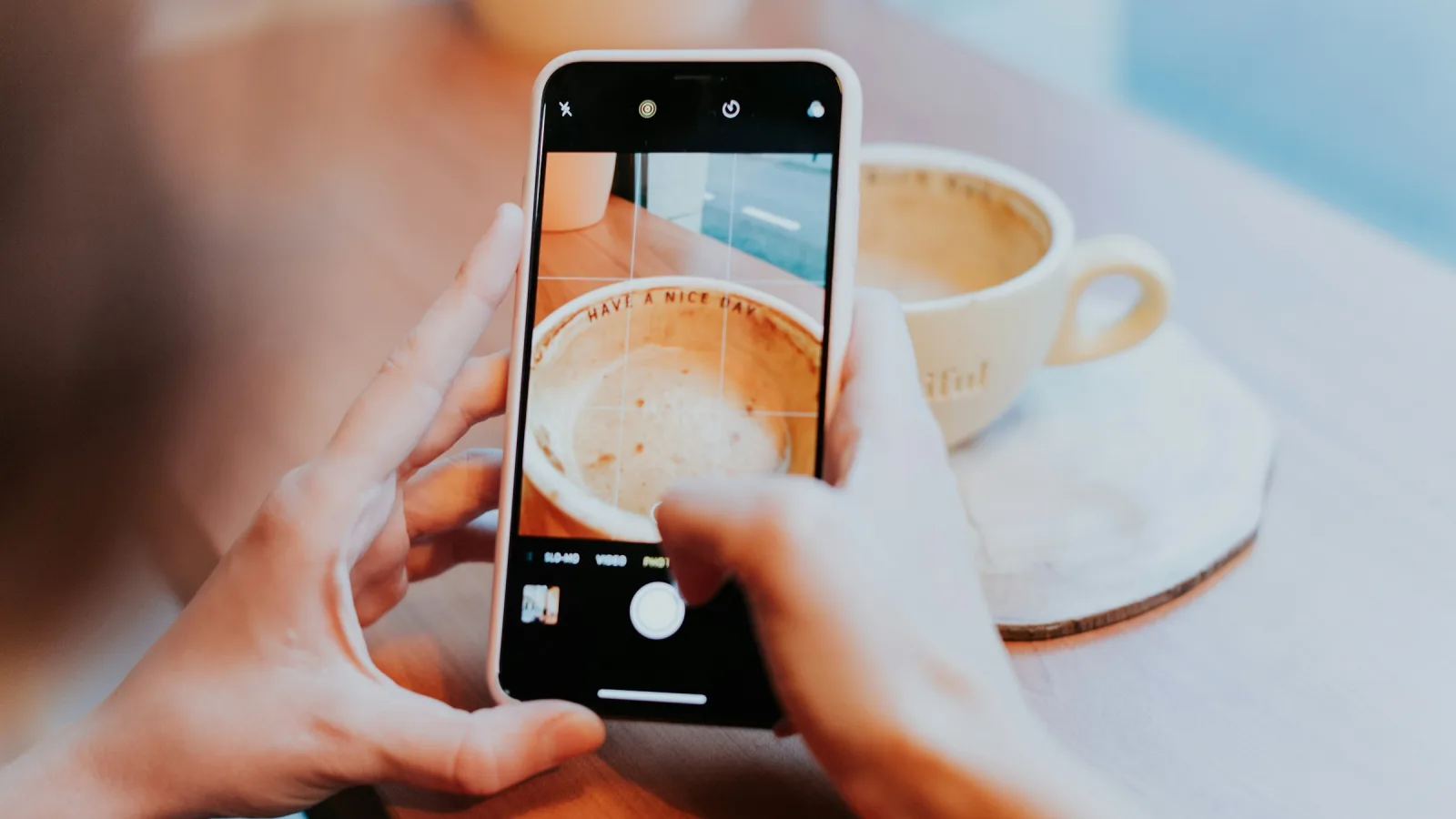
- Light beats everything. Shoot near a window with the light coming from the side, or outdoors on a bright but overcast day. Turn the overhead lights off if you can. Direct sun and ceiling lights are what make phone photos look like phone photos.
- Shoot at the height of the subject, not from your eye line looking down. Crouch for the plate, stand back for the room.
- One subject. If you cannot say in three words what the photo is of, it is a photo of nothing.
- Give it room. Leave space around the subject, because a website will crop your picture to shapes you did not choose. A shot with the subject jammed into the frame edge will crop badly on a phone.
- Take ten of each. You will use one. This is the entire professional secret.
What to skip
Skip the team photo where everyone is arranged by height. Skip the picture of your building's exterior taken from across a road. Skip anything with a stock watermark, obviously, and skip the stock photo of the industry rather than of you. A slightly awkward real photograph of your own shop outperforms an immaculate photograph of someone else's.
The part that bites afterwards
Modern phones produce enormous files. Put seven of them on a home page untouched and you have built a page that takes eight seconds to appear on a phone, which is roughly the point at which people leave. This is the single most common reason a nice-looking small business site performs badly, and it is invisible on the office wi-fi where you built it.
Resize before uploading, or use a platform that produces the smaller versions for you. Image optimisation for small business websites explains what to change, and website speed for small business covers what it costs you when you do not.
Where they go
The front and the room belong on the home page. The process and the proof belong wherever you ask for the business. The person belongs on the page where trust matters most, which is usually contact or about. The practical belongs on the page with your address, where it will be quietly appreciated by everyone who has ever driven around a one-way system looking for a doorbell.
Then write the words to match. Photographs and copy fail together and work together, which is the argument in website copy that converts. If you would rather see the shapes before you shoot, browse the designs and note which spaces you will need to fill.
Frequently asked questions
What photos does a small business website need?
Seven cover it: the front of the premises, the room where the work happens, the thing you sell, the person the customer meets, the process in progress, the proof of a finished job, and the practical detail like parking or the entrance round the back.
Can I take website photos on a phone?
Yes. Light matters far more than the camera. Shoot near a window with light coming from the side, or outdoors on a bright overcast day, turn the overhead lights off, shoot at the height of the subject rather than looking down, and take ten frames of each.
Do photos slow a website down?
Untouched phone photos do, and badly. Modern phones produce enormous files, and a home page carrying seven of them can take several seconds to appear on a phone. Resize before uploading, or use a platform that generates the smaller versions for you.