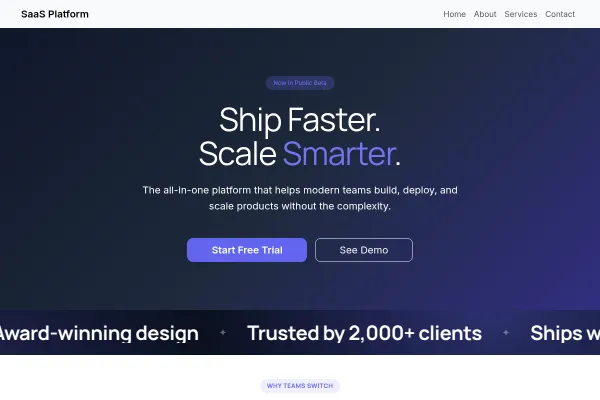
 Technology & SaaS
SaaS Platform
Software product site: one clear promise, features as the argument, pricing tiers and a free-trial ask.
4 pages
View template
For tutors and small academies. Subjects, results and scheduling - parents (and adult learners) want proof of outcomes and an easy first-session booking.
Name subjects and levels explicitly ("GCSE Maths", "SAT prep"), put grade improvements or pass rates in the results section, and connect the booking flow so a trial lesson is bookable without a phone call. Parent testimonials beat generic praise.
Two people decide a tutoring purchase and they want different things. Parents want evidence that it works; the learner wants to know whether the sessions will be bearable.
Maths at GCSE and maths at primary are different products with different tutors and different parents searching. One page per subject and level matches how people actually look.
Grade improvements with the period they cover, or the proportion of students who reached a target. Specific and modest beats sweeping and unverifiable.
Online or in person, length, frequency, group size, what happens between sessions and how progress is reported. Reporting is what makes parents renew.
First sessions and assessments are booked through set up bookings, and pricing per hour or per block belongs on the page rather than behind an enquiry.
The person reading the site is usually not the person being taught. Write for the parent - outcomes, safeguarding, qualifications, what a session looks like - and let the student-facing warmth come from the photographs.
Specific and modest beats sweeping. "Most of our GCSE students move up at least one grade" is credible; a guarantee is not, and the parents you want are the ones who notice the difference.
Yes - you can start building with the Learning Center template for free. Paid plans unlock more projects, custom domains, and additional features.
It comes with 4 ready-made pages: Home, About, Programs, Contact.
It is set up for Pricing, Services. Those are built in rather than add-ons, so they work from the moment the site is created.
Nunito for headings and Mulish for body text, on a palette built around #e07a5f and #3d5a80.
No. The Learning Center template is edited visually in the drag-and-drop builder - no coding at any point.
Technology & SaaS
Software product site: one clear promise, features as the argument, pricing tiers and a free-trial ask.
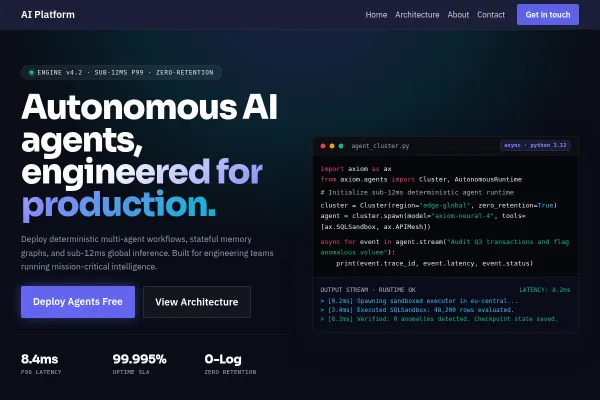 Technology & SaaS
Autonomous agent infrastructure, sub-12ms p99 inference, and distributed neural runtimes.
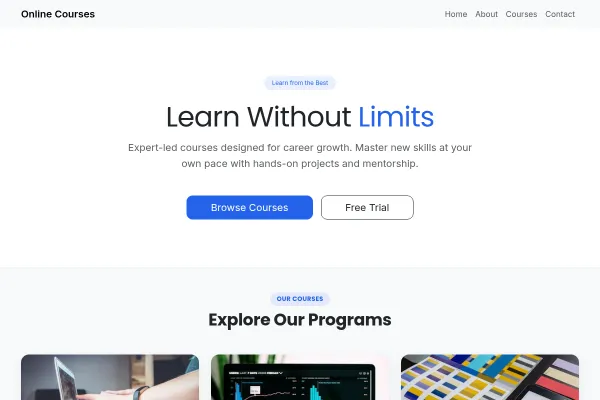 Technology & SaaS
Course platform for adult learners and educators: courses as the catalogue, outcomes over jargon, enrolment as the ask.