 Business
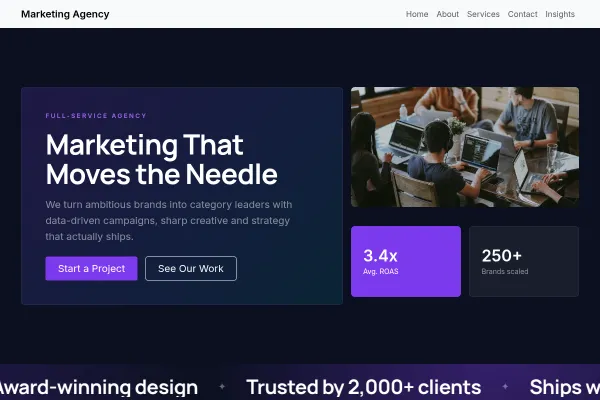
Marketing Agency
Loud, type-led agency site: highlighter headlines, hard rules, three sample pieces and a free-audit ask.
5 pages
View template
One page for one date: a gig, a meetup, a workshop, a launch, an opening night. The countdown carries the urgency, the line-up carries the detail, and the form collects the people who want to know when tickets appear. Runs entirely on the free plan.
Set the countdown to your real date first - a timer counting to the wrong day undermines everything under it. Name the venue and door time in the hero where nobody has to hunt, and if tickets are sold elsewhere, link out plainly rather than implying you sell them here. Selling tickets on your own site needs the shop, which is a paid plan - so keep the sign-up honest until you upgrade.
A single-event page has a short life and one job: convert interest into attendance before the date passes. The countdown is doing work only if everything else on the page is decided.
These five facts decide attendance. Anything that pushes them below the first screen is costing tickets from people who were already interested.
Acts, speakers, hosts or whatever the draw is, with photographs and one line each. This is the section that gets shared, and sharing is how small events fill.
Whether tickets are needed in advance, what time doors open, age limits, accessibility and parking. Practical answers convert the people who are almost coming.
After the event, keep the page live and update it rather than deleting it: it becomes the proof for the next one.
A room that was full is the strongest thing on the page, and it outperforms any adjective. If this is the first one, photograph the venue empty and say what it will look like on the night.
Most tickets for small events are sold through a link somebody pastes into a group chat. Set the share title and image deliberately, because that card is the advert - not the page.
Yes - you can start building with the Event Launch template for free. Paid plans unlock more projects, custom domains, and additional features.
It comes with 3 ready-made pages: Home, About, Contact.
It is set up for Gallery. Those are built in rather than add-ons, so they work from the moment the site is created.
Urbanist for headings and Barlow for body text, on a palette built around #ffe600 and #0b0b0d.
No. The Event Launch template is edited visually in the drag-and-drop builder - no coding at any point.
Business
Loud, type-led agency site: highlighter headlines, hard rules, three sample pieces and a free-audit ask.
 Business
Working bookings included · Starter plan
Business
Working bookings included · Starter plan
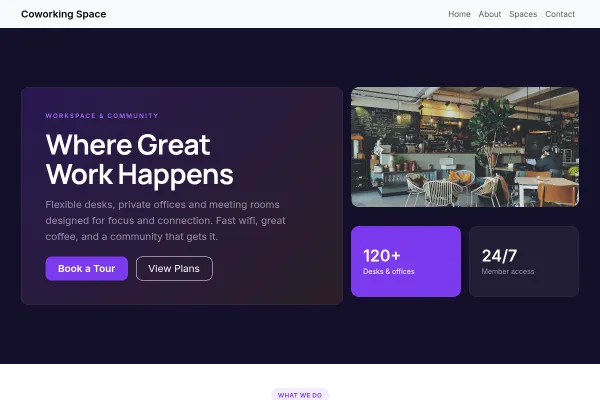
Daylight coworking space on one floor: a day-pass price in the first screen, the plans and rooms as an index, a tour as the one ask.
 Business
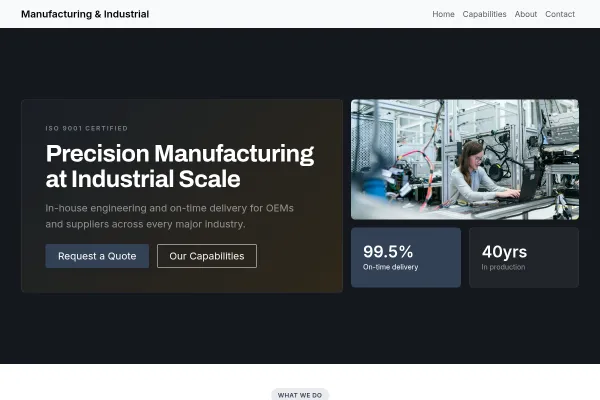
Drawing-sheet layout for machine shops and fabricators: capabilities as a spec table, one quote form.