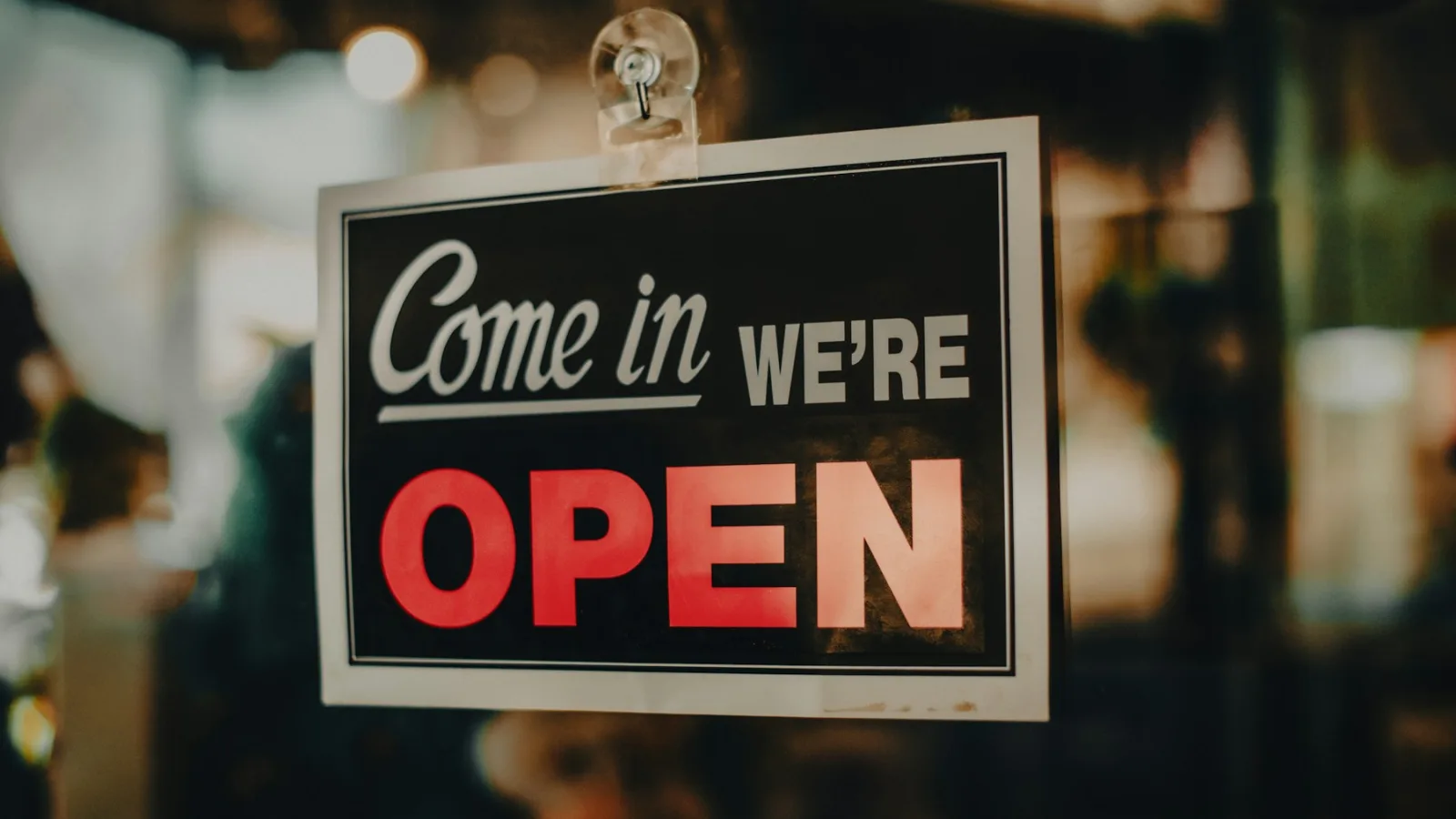
You've published the new site and now there's an empty box asking what to say about it. "Welcome to our new website!" is what almost everyone types, and it tells the reader nothing they can use.
Below are sixteen messages to copy, sorted by where they go. Swap the parts in brackets for yours. If you want the plan around them (who to tell, in what order, and the one rule that applies to the email), that's in how to announce a new website.
What a good one says
Every message below does the same two things: it names what's new, and it names what the reader can now do. "We have a new website" is news about you. "You can now book a table online" is news for them.
Keep the welcome itself to one line and spend the rest on the useful part. Then link to that exact page. Send people to the homepage and you've given them a search to do.
The welcome line on the homepage
A short banner or a line above the first section. It's for people who knew the old site and are wondering where things went.
- "Welcome to our new website. [Appointments] can be booked here now, day or night."
- "New look, same [bakery]. Our [menu and opening hours] are on one page now."
- "We've rebuilt our website from the ground up. Can't find a page you used to use? Call [number] and we'll send you the link."
- "Welcome. Online ordering is new: choose, pay, and pick up from [time] at [address]."
Take the banner down after about 30 days. If you put it up on the 3rd, set a reminder for the 3rd of next month. A welcome that's still there in six months makes the site look like nobody is looking after it.
The email to your customers
One email, sent once, to people who already buy from you. The subject line does most of the work.
- Subject: "You can now book online" Body: "Hi [first name], our new website is live, and the part you'll use is this: you can book your next [appointment] yourself, at [yourname.com/book], at any hour. Nothing else has moved: we're at [address] and on [number], as before. [Your name]"
- Subject: "Our menu and gift cards are online" Body: "Our new website is up. This week's menu is at [link], and you can now buy a gift card there and send it by email. See you soon, [Your name]"
- Subject: "A new way to order from [business name]" Body: "You can now order from us online and pick up in store. It takes about two minutes: [link]. If you'd still prefer to call, the number hasn't changed."
In the US a marketing email needs your postal address and a way to unsubscribe, as the FTC's CAN-SPAM compliance guide for business sets out. An email tool adds both for you and a message from your own inbox doesn't.
The social post
One post, with a photograph you took yourself: a plate, the shop front, your phone showing the new booking screen. Then stop. The link in your profile does the work after that.
- "New website, same [salon]. Book your next visit in under a minute: [link]"
- "It's live. You can now see what's in stock before you drive over: [link]"
- "We finally did it. Online booking for [the workshop] is open, and you can pick your own time: [link]"
The Google Business Profile update
An Update post on your profile reaches people who are already looking you up. Change the website field on the profile first.
- "New website, and [appointments] are now bookable on it: [yourname.com]."
- "You can now order ahead for pick-up. Menu and ordering at [yourname.com]."
The counter, the receipt and the van
For the people standing in front of you. Each of these needs a QR code beside it that opens the booking or menu page directly. You can make one for printing with the QR code generator.
- "Skip the phone next time. Scan to book your next [visit]."
- "Order ahead, pick up here. Scan for the menu."
- On a receipt: "Leave us a note or rebook at [yourname.com]."
When it's a redesign and the address is the same
Nothing about how to reach you has changed, so say what did.
- "We've updated our website. You can book online now, and every price is listed in one place. The address hasn't changed: [yourname.com]."
A changed address is a bigger job. Old links need redirecting first, and this guide to moving a site and keeping its rankings explains how. Announce afterward.
Wording to leave out
- "Exciting news!" It's the opening of every email people delete. Start with what's new.
- "Check out our new website." It names no reason to. Name the thing they can do there.
- A list of features. Nobody outside the business cares that the site is faster or mobile-friendly. They care that they can book at 11 at night.
- "Bear with us while we iron out the kinks." If it isn't ready, wait a few days and run through the launch checklist first. Whoever arrives first will be the one who discovers the form doesn't send.
Give each message its own tagged link and you'll know later which of them worked. The UTM link builder produces them together, and your website's first 30 days covers what to look at when the numbers arrive.
FAQ
What should a "welcome to our new website" message say?
A single line of welcome, the change, and what it lets the reader do, followed by the link to that page. "Welcome to our new website. Appointments can be booked here now, day or night" covers all of it.
How long should the welcome banner stay up?
About a month. After that the people who knew the old site have seen it, and to everyone else it's just an old notice.
Should I email all my customers about a new website?
Email the ones who can use what's new, once. If the site added online booking, tell the people who book. A second announcement email is one too many.
How do I announce a website redesign?
Say what changed for the visitor and nothing else: "online booking is new, and the price list is on one page". If the address is the same, say that too, so nobody thinks their bookmark is broken.
Do I need a launch offer?
It helps when there's a new habit you want people to form. Ten percent off a first order placed online rewards trying it. Money off for simply looking at the site rewards nothing.