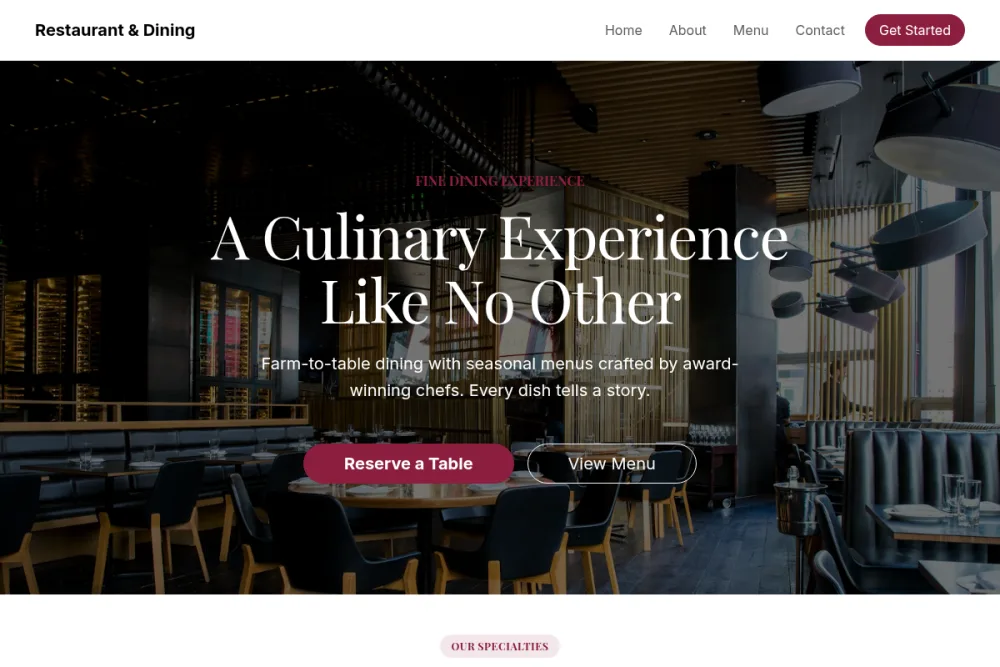
People visit a restaurant's website for exactly three things: the menu, the hours and location, and a way to book a table. A site that serves those three within one scroll converts; a site that hides them behind a video intro loses dinner bookings nightly.
The menu: structured text, never a PDF
A PDF menu is invisible to Google and miserable on a phone. Publish your menu as structured on-page text - sections, dishes, prices - and it becomes both pleasant to read and indexable for the "menu" searches that make up most of your traffic. Keep it current; an outdated menu erodes trust faster than no menu.
Reservations without the widget fees
Third-party booking widgets charge per cover and own your guest data. With Webkio, the reservation system is built in: set your service times, opening hours and turnaround buffers, and take bookings directly from the site - confirmations and reminders included, no per-booking commission.
Photography sells the evening
Three great dish photos beat thirty mediocre ones. Shoot in daylight, lead with your best sellers, and show the room with people in it - atmosphere is half the product. Skip the stock photos; regulars can tell.
Local SEO is your traffic
Most of your visitors search "restaurant near me" or "[cuisine] [town]". To win those:
- Name your city and neighbourhood in the page title and copy.
- Keep hours, address and phone identical to your Google Business Profile.
- Mark up the essentials - a well-structured site handles this for you.
- Add a tap-to-call phone link; a third of your mobile visitors just want to phone.
Don't forget the operational pages
Christmas hours, private hire, group menus, gift vouchers - each is a page that answers a phone call you won't have to take. A short FAQ ("do you take walk-ins?", "is there parking?") quietly saves your front-of-house hours every week.
Design for the phone, because that's where they are
Most people pull up a restaurant on their phone, often while deciding right now. So the top of every page should answer "can I see the menu, where are you, and how do I book?" with no scroll and no pinch. A sticky bar with a tap-to-call number and a "Book a table" button, fast-loading pages, and big legible text beat any clever desktop layout.
Turn lookers into bookings
A reservation you can take on the page is a table you don't lose to the place next door. Make the booking button impossible to miss at every scroll depth, ask for a deposit on large parties to cut no-shows, and let automatic confirmations and reminders do the chasing. Every booking that happens on your own site is one you don't pay a per-cover fee for.
Keep it current, or it reads as closed
Nothing loses a diner faster than a two-year-old menu or last year's opening hours. Update holiday hours before the holiday, swap the menu when it changes, and clear out finished events - a stale site signals a stalled kitchen. The upside of running it yourself is that an edit takes a minute: change it, publish, done.
Frequently asked questions
Do I need a separate app or service for reservations?
No. The booking system is built into the site: set your service times, opening hours and turnaround buffers and take reservations directly, with confirmations and reminders included and no per-booking commission.
Should I put my menu up as a PDF?
Avoid it. A PDF is invisible to Google and awkward on a phone. Publish your menu as structured on-page text - sections, dishes, prices - so it's easy to read and shows up for the "menu" searches that drive most of your traffic.
How do I cut down on no-shows?
Take a deposit on larger parties and let the automatic confirmation and reminder emails handle the follow-up. A gentle reminder the day before recovers a surprising number of tables.
Can customers order for pickup or delivery too?
Yes. If you want online ordering, add a shop or menu-ordering module alongside reservations - all managed from the same dashboard as the rest of your site.
How do I show up in "restaurants near me" searches?
Name your city and neighbourhood in your titles and copy, keep your address, phone and hours identical to your Google Business Profile, and encourage happy diners to leave reviews. Consistency across those signals is what wins local search.
Start from a template with the food already styled
The free food & drink templates ship with menu sections, gallery and reservations wired in: Restaurant for full service, Coffee Shop for cafés, and Bakery with product showcases for custom orders. Swap in your dishes, set your hours, and publish.
The rest of it - a domain of your own, HTTPS, a privacy page, and knowing whether any of this brought people in - sits in the launch checklist, with the search side in SEO basics.
Start free - no code, no credit card, and your menu finally somewhere Google can read it. The product version of this guide, with the menu and ordering pieces already assembled, is the restaurant website builder. If ordering is the reason you are building, the restaurant commission calculator shows what the delivery apps currently cost you a year.
FAQ
What does a restaurant website need?
Your menu with current prices, opening hours, location and directions, a phone number that works on a tap, and reservations if you take them.
Should I put my menu on the website as a PDF?
No. A PDF is slow, hard to read on a phone and invisible to search engines. A menu built as part of the page is easier to keep current and gets found.
Can I take reservations without paying commission per booking?
Yes. Reservations taken on your own site have no per-booking commission, and confirmations and reminders are sent automatically.
Read next
- How to take table bookings on your website - the reservation half, and why an appointment form is the wrong shape for a dining room.