 Creative & Portfolio
Travel Journal
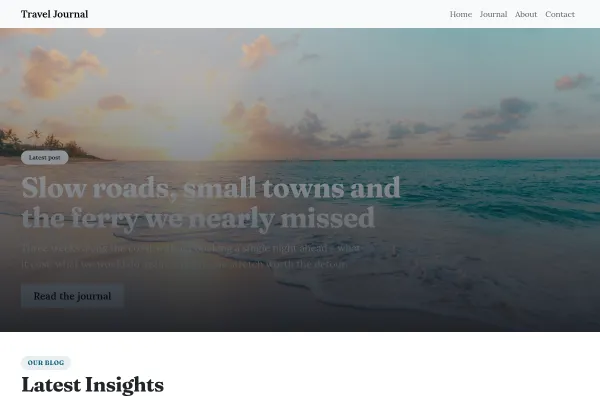
Travel journal: a coast panorama with a postcard pulled over it, real starter articles, places with what they cost, one email per trip as the ask.
4 pages
View template
For writers, journalists and content creators whose site IS the publication. A reading-first layout: article feed, categories, about-the-author, and newsletter capture.
The template ships with starter articles - rewrite or replace them, keep your three main categories, and put the newsletter signup after the first article scroll. Write your about page in first person; it is the second-most-read page on any blog.
When writing is the product, the layout has one duty: get out of the way. Reading comfort beats visual ambition on every page that matters.
Line length, type size, spacing and a clean top of page. Every other screen exists to deliver somebody into an article, so that is where the design effort belongs.
A handful of sections people actually browse beats a tag cloud built from every topic you have touched. Categories, comments and SEO covers the setup.
An email list is the only audience you own. A quiet, well-placed signup with a clear promise about frequency outperforms an interruption every time. Growing your list covers it.
Publishing is set up through start a blog and writing posts. Consistency matters more than volume: a monthly piece that arrives beats a weekly one that stops.
Yes - you can start building with the Blog & Magazine template for free. Paid plans unlock more projects, custom domains, and additional features.
It comes with 4 ready-made pages: Home, Articles, About, Contact.
It is set up for Blog. Those are built in rather than add-ons, so they work from the moment the site is created.
Playfair Display for headings and EB Garamond for body text, on a palette built around #141414 and #b3261e.
No. The Blog & Magazine template is edited visually in the drag-and-drop builder - no coding at any point.
Creative & Portfolio
Travel journal: a coast panorama with a postcard pulled over it, real starter articles, places with what they cost, one email per trip as the ask.
 Creative & Portfolio
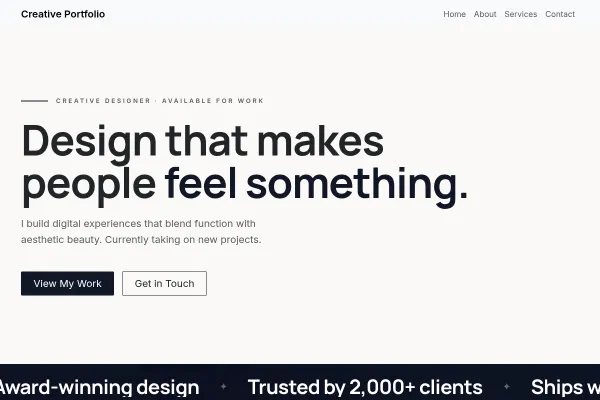
A designer's portfolio as a poster: the wall of work full-bleed, an edge-to-edge mosaic with one solid colour tile in it, prices on ink, and a two-day reply promise.
 Creative & Portfolio
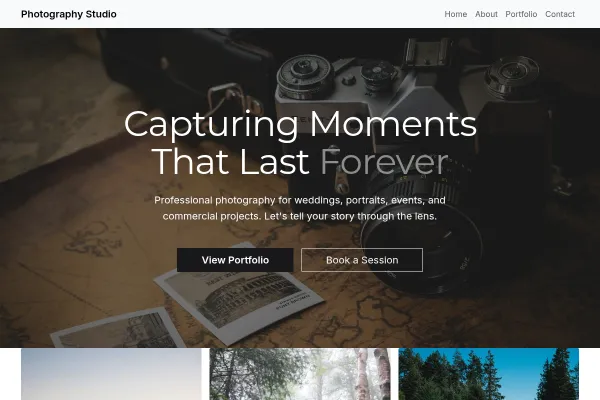
A photographer's site in the dark: a full-bleed portrait, an edge-to-edge mosaic, every frame numbered like a contact sheet, three packages priced, a date check as the ask.