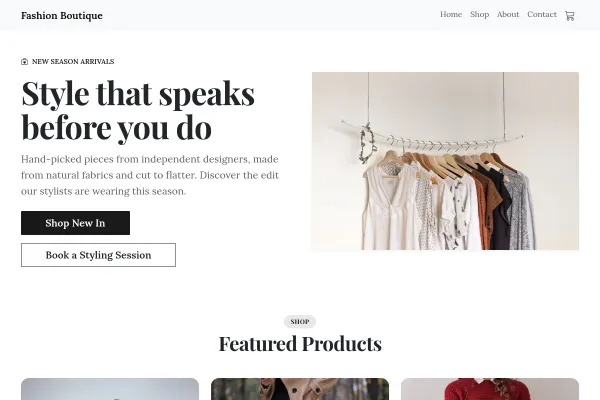
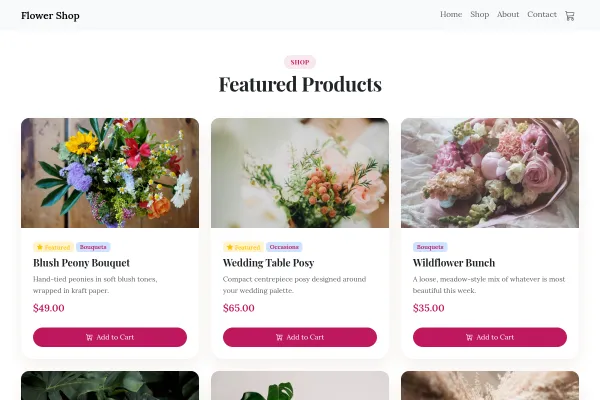
For grocers, minimarkets and delis moving online. A practical storefront organised by aisle-like categories, with delivery zones and hours where they cannot be missed.
Make it yours
Mirror your physical aisles in the category structure so regulars navigate on autopilot, mark local/own-brand products - they are why people choose you over chains - and publish delivery slots and minimum order plainly.
Delivery Rules Are the Product Page
For a grocer moving online, the thing that decides the order is not the range. It is whether you deliver to that street, on what day, by when, and for how much.
Publish zones and cut-offs where they cannot be missed
Postcodes, delivery days, the order deadline for each and the minimum spend. This belongs near the top of the page, not in a policy link at the bottom.
Organise like aisles
Fresh, cupboard, chilled, household. Shoppers navigate a grocery site the way they walk a shop, and a flat list of two hundred items defeats them.
Handle substitutions before they happen
Say what you do when something is out of stock: nearest alternative, refund, or a call. Grocery is the category where this comes up every week.
Products and categories are set up through adding products, and payment through taking payments. Keep the hours and cut-offs accurate above everything else.
Fresh means dated
A grocery site earns repeat visits by being current. What came in this week, what is in season, what has sold out - that is the content, and a page that has not changed in a month reads as a shop that might not be open.
Delivery radius and cut-off times, prominently
Two facts decide whether somebody orders: do you come to my street, and how late can I order for today. Both belong above the product grid, because a customer who cannot find them assumes the answer is no.
Yes - you can start building and customizing the Grocery & Market template for free. The Online Shop features need a paid plan (included in Starter), and the 14-day Starter free trial covers everything in this template.
What pages does the Grocery & Market template include?
It comes with 6 ready-made pages: Home, Shop, About, Contact, Product, Cart.
What can the Grocery & Market template do?
It is set up for Online Shop. Those are built in rather than add-ons, so they work from the moment the site is created.
What is the Grocery & Market template set up with?
It arrives with 6 demo products across 4 categories, so you are editing a working business rather than filling in an empty layout. Replace the demo content with your own as you go.
What fonts and colours does the Grocery & Market template use?
Outfit for headings and Figtree for body text, on a palette built around #1d5c3a and #f2b705.
Do I need to know how to code?
No. The Grocery & Market template is edited visually in the drag-and-drop builder - no coding at any point.
Guides for running this kind of site
How to Add an Online Store to Your WebsiteTurn your website into a shop: add products, take secure card payments, and start selling - without a separate platform or a developer.
Ways to Get Paid on Your WebsiteCards are not the only way to take money online, and for some businesses they are not the first one. Four methods, what each costs you, and which s...
Shipping Options for a Small Online ShopShipping is the most common reason a full basket is abandoned. How to price delivery, when a free-shipping threshold pays for itself, and why one c...
Independent online shop at the packing table: a parcel being taped with a shipping label of dispatch, delivery and returns, the real seeded products, six people and plastic-free packing.
Florist: a bouquet framed in a kraft-paper wrap with a gift tag, the real seeded bouquets, what is in season as ribbon-tied stems, same-day delivery by six.
We use strictly necessary cookies to run the site and, with your consent, analytics cookies to understand usage. See our Cookie Policy and Privacy Policy.
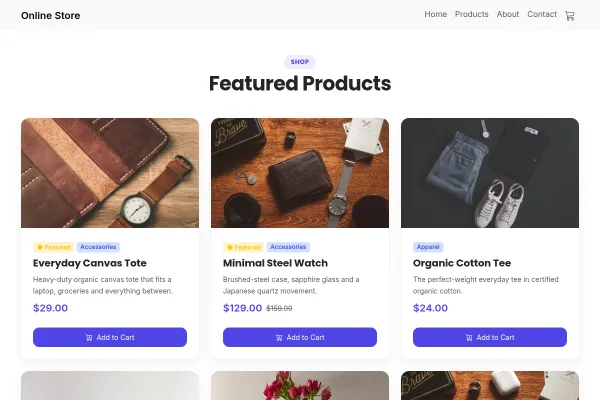 Online Shop
Working store included · Starter plan
Online Shop
Working store included · Starter plan