Who the Atelier template is for

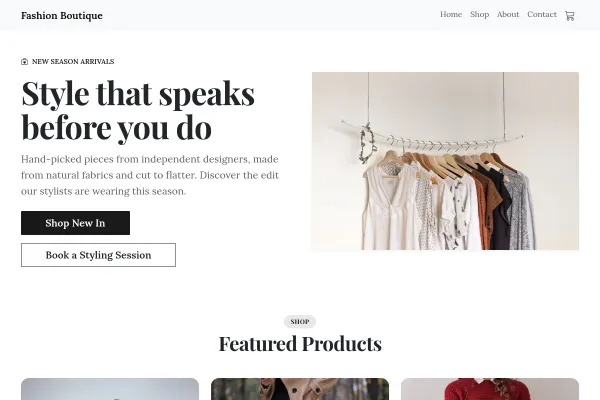
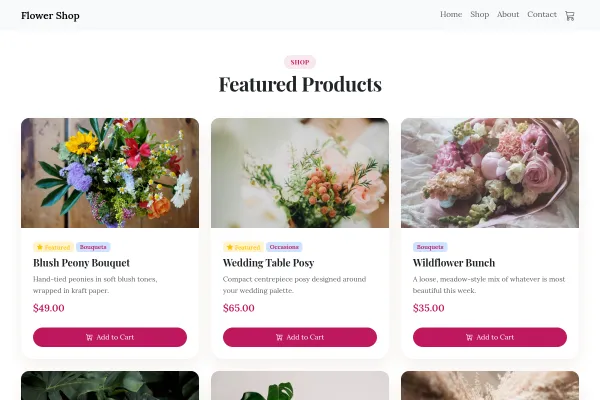
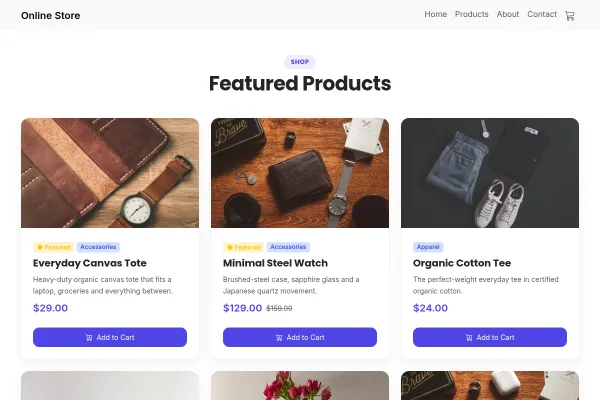
For fashion labels, makers and small-batch brands selling online. An editorial storefront where full-bleed imagery carries the brand and the product grid does the work.

Make it yours

One hero image, chosen for mood rather than product detail, then let the grid sell. Shoot every product against the same background so the grid reads as a collection instead of a jumble. Write the workshop story like a person, with real numbers - how many of you there are, how long a piece takes - because that specificity is the whole reason somebody pays more than the high street.

An Editorial Storefront for a Small Label

Small-batch fashion is bought on the strength of the imagery and the story behind it. A conventional product grid strips both out and leaves you competing on price with mass production.

Let the imagery run full width

Campaign photography, worn and in context, at the top of the page. The product grid comes after the reason to want the thing.

Tell the making story once, properly

Where it is made, by whom, in what quantity, from what. This is the argument for the price and the reason a customer chooses you over a chain.

Be precise about sizing and stock

Measurements, fit notes, what is left in a run, when a restock is likely. Small-batch buyers accept scarcity when it is explained and resent it when it is discovered at checkout.

The shop is configured through setting up your shop, variants through product categories and variants and payments through taking payments.

Questions and answers

Is the Atelier template free?

Yes - you can start building and customizing the Atelier template for free. The Online Shop features need a paid plan (included in Starter), and the 14-day Starter free trial covers everything in this template.

What pages does the Atelier template include?

It comes with 4 ready-made pages: Home, Shop, About, Contact.

What can the Atelier template do?

It is set up for Online Shop. Those are built in rather than add-ons, so they work from the moment the site is created.

What fonts and colours does the Atelier template use?

Playfair Display for headings and Inter for body text, on a palette built around #1c1a17 and #9a9084.

Do I need to know how to code?

No. The Atelier template is edited visually in the drag-and-drop builder - no coding at any point.

Ready to build your site?

Use the Atelier template