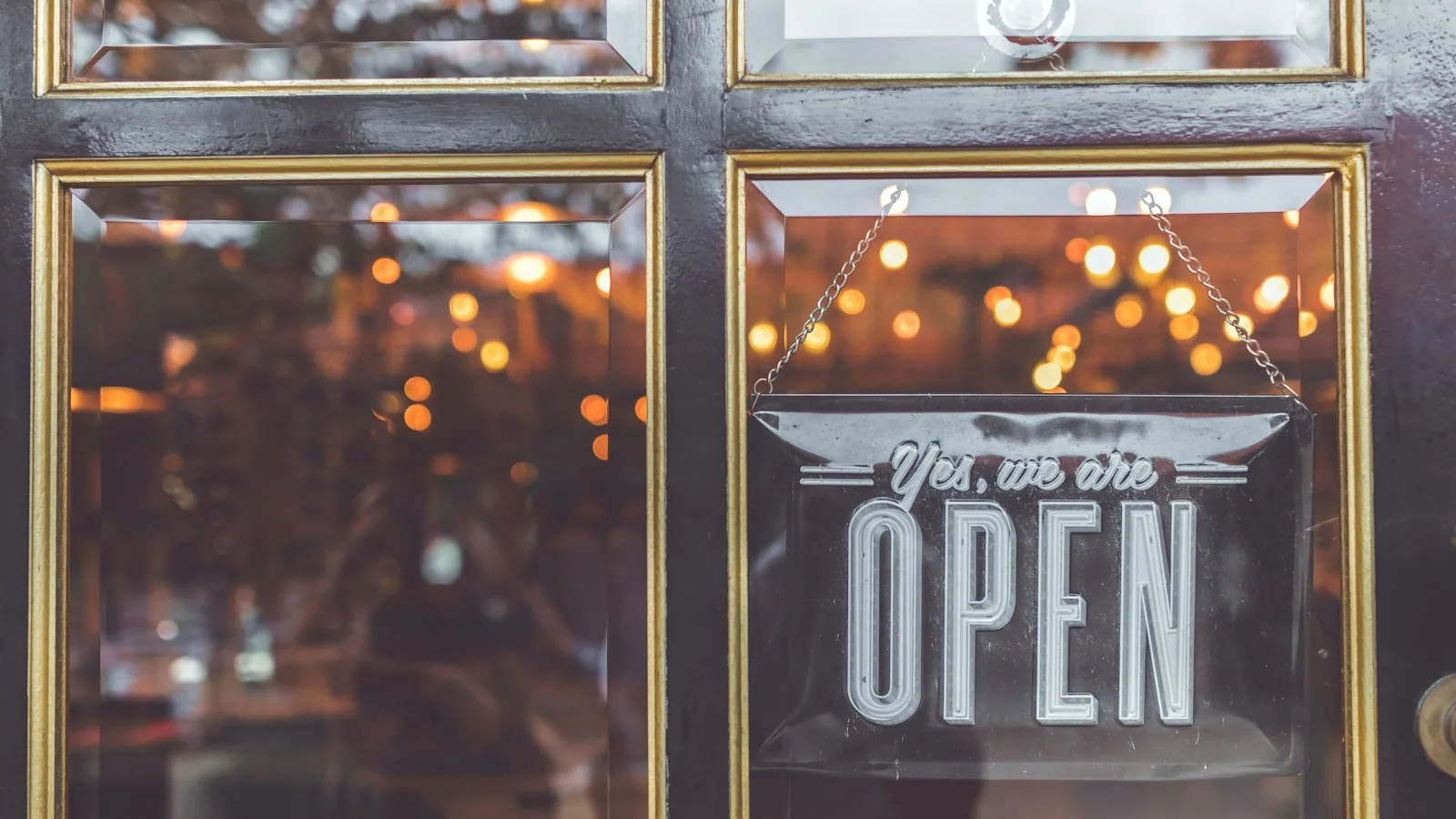
The Wednesday before Thanksgiving, a family of five drives twenty minutes because Google said you were open until nine. The sign on the door says you closed at three for the holiday. The review is up before they get home, and it is not about the food.
Nobody was careless. The hours were changed on the website, mentioned on Instagram and written on the door. They were not changed on the listing people actually look at.
Where your hours live
Count them. Google Business Profile, the hours block on your website, the ordering page with its own pickup and delivery window, the delivery apps, Instagram, a sign. Each can be wrong independently, and a diner checks exactly one.
So pick a source of truth and make the others copies of it. For most restaurants that is the website, because you control it and Google reads it alongside your listing. The order becomes: change the website, change Google, change the ordering window, post the change. Same day, same person.
Google hours, and the holiday trap
Google's guidance on business hours is specific for restaurants: use the hours when diners can sit down and dine in as your main hours; otherwise use takeout hours. Delivery and pickup windows belong under More hours, where you set separate hours for delivery, takeout, drive-through and pickup, kept as a subset of your primary hours.
Holidays are handled by special hours, which override your regular hours only on the dates you set and then disappear. Two lines from Google's own help are worth taping to the office wall. First: "It's a good idea to confirm your hours for official holidays, even if they're the same as your regular hours." Second: special hours cover a closure of up to 6 days in a row, so a January week off is special hours, not marking the business temporarily closed.
The practical version: in January, write down every date this year when your hours differ, from Thanksgiving to the summer break to the private event that closes the room, and enter them as special hours once. The predictable closures should never be a surprise to Google.
The website has to say it in two places
Your site shows hours as text a person reads and as structured data Google reads. The hours block on a restaurant site carries LocalBusiness schema, and Google's structured data documentation describes how holiday hours are expressed there: an opening hours specification with validFrom and validThrough dates for the period, and a closed day marked by setting both opens and closes to 00:00.
You do not need to know the markup, only that changing the hours on your site changes what Google reads from your site, so a holiday updated on Google and left stale on the website gives Google two answers.
The ordering page is the one that bites
A wrong ordering page does something worse than a wrong listing: it takes money for food nobody is going to cook. Online ordering has its own opening hours, separate from the dining room, and they need the same holiday treatment. Close ordering for the day you are shut, and pull the window in on short-staffed nights so the last order lands before the kitchen breaks down.
The same goes for prep time: a holiday Friday with a line out the door is not a 15-minute pickup. The setup, including ordering hours, is in restaurant online orders; choosing between pickup and delivery windows is covered in collection or delivery for your restaurant.
What wrong hours actually cost
- The "open now" filter. Somebody searching at 8:45 on a night you are open until 10 but listed until 9 does not see you at all. The mechanics are in getting found for "restaurants near me".
- The drive to a locked door. The reverse mistake, and the one that produces a review. A diner burned by your hours once does not believe your menu prices either.
A routine that takes five minutes
Make hours changes one job, done once, in order: website hours block, Google regular or special hours, ordering window, then the social post. Before each holiday week, open your own listing on your phone the way a customer would and read it. Thirty seconds, and it would have kept that family of five at home.
The website half is the easy half when the hours block and the ordering page live on the same site; a restaurant site with online ordering puts them a minute apart.
FAQ
How do I set holiday hours on Google Business Profile?
Use special hours, not a change to your regular hours. Edit hours on your profile, add the holiday date and either enter the hours or mark it closed. Special hours apply only to the dates you set, then your regular hours return.
Should my website hours match Google exactly?
Yes, including holidays. Google reads your site's hours from the page and its LocalBusiness schema as well as from your listing, and two different answers are worse than one.
Should online ordering have the same hours as the dining room?
Usually not. The kitchen stops taking orders before the room empties, and on busy nights the pickup window should close earlier still. Set ordering hours separately and close them entirely on holidays you are shut.